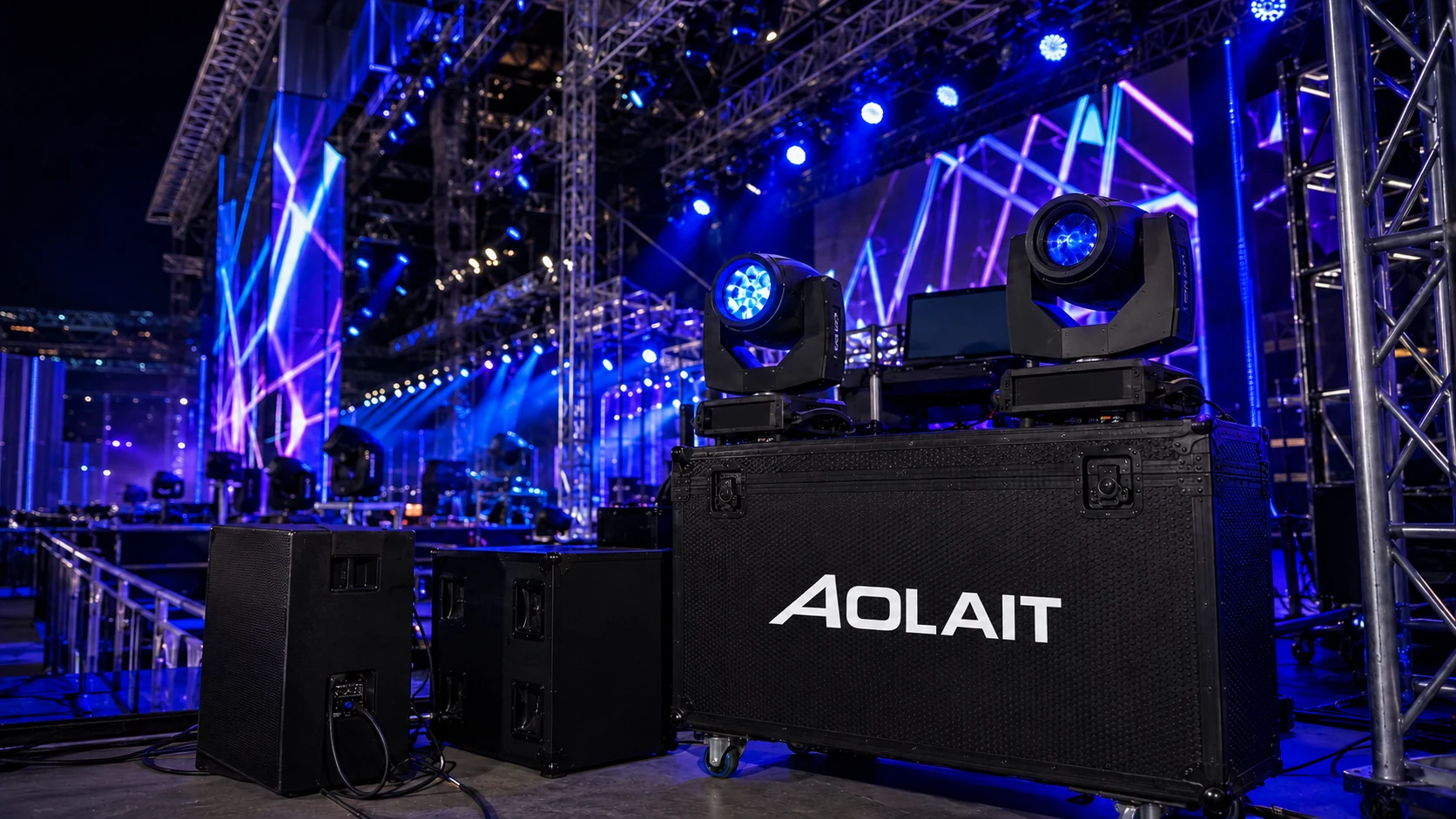
Model identification
Provide the exact model, label and production information available.
TECHNICAL SUPPORT
Contact Aolait for help with model identification, manuals, DMX modes, firmware, console profiles, setup and product diagnosis.
CAPABILITIES
Model, serial number, firmware, DMX mode, console, software version, symptoms, images and video help our team reproduce and review the reported behavior.
Provide the exact model, label and production information available.
State the selected personality, address and relevant channel behavior.
Include console, software version and the profile currently loaded.
Provide the displayed firmware and steps already attempted.
Identify the manual, DMX chart or drawing needed for the model.
Describe the affected part and supply clear images or video when available.
TECHNICAL SUPPORT
Include model, firmware, DMX mode, console and a clear description of the behavior.
Include model, firmware, DMX mode, console and a clear description of the behavior.