
Definition
What a Bee Eye moving head is—and what the name does not prove
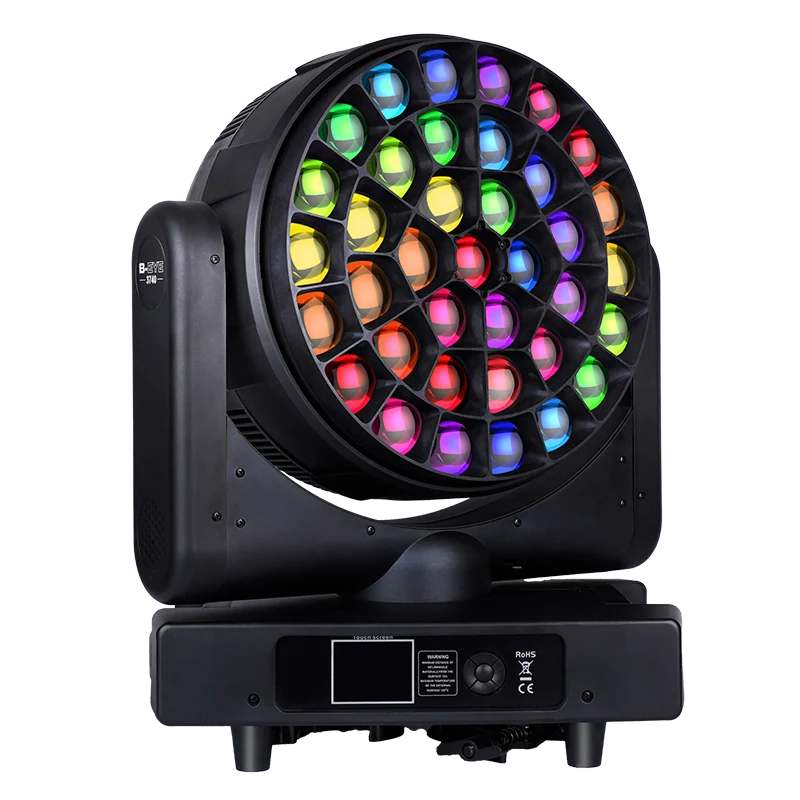
Bee Eye is a market term for a visible multi-lens moving-head face, not a universal technical specification.
The recognizable Bee Eye look comes from several lenses arranged across a circular or patterned head. Depending on the design, those cells may create a blended wash, tighter individual images, rotating graphics, ring chases or built-in effects. The face remains visible to the audience, so the fixture can function as both a light source and a scenic object.
However, the family label does not tell a project team how many cells are independently controlled, whether the lens plate rotates, whether the fixture zooms or focuses, or which effects are macros rather than direct cell data. It also does not prove output, weather protection, camera behavior or console compatibility. Every claim must be traced to the exact model's current manual, channel chart and production sample.
| Term | Practical meaning | project files |
|---|---|---|
| Cell | One visible optical or LED element | Optical layout and hardware specification |
| Pixel | A controllable data element; may or may not equal one physical cell | DMX chart and zone map |
| Ring or zone | A group of cells controlled together | Numbered diagram and personality description |
| Macro | A built-in pattern generated inside the fixture | Effect table and console test |
| Halo or backlight | A separate light layer around or between main optics | Hardware description and dedicated channels |
Control architecture
Physical cells, controllable pixels and grouped rings may be different
The most common purchasing misunderstanding is assuming a one-to-one relationship between lenses and DMX pixels.
Manufacturers often provide several personalities. A compact mode may control the entire face as one color. A medium mode may expose rings or zones. An extended mode may add individual cell channels. The effect engine can coexist with any of these structures, and the fixture may reserve extra channels for transition, offset, speed or color macros. That means a nineteen-cell face can require far more than nineteen channels.
Before a rental purchase, ask the programmer to mark the required parameters on the channel chart. If a cue uses only whole-fixture color and one macro, a compact mode may be sufficient. If the show requires cell-by-cell media-style chases, the extended personality and its universe cost must be accepted. Record the exact mode in the fleet profile so replacement units enter the same show file correctly.
Optical behavior
Focus, zoom, lens effects and movement shape the result
Pixel control describes data access; optics determine how those pixels appear in space.
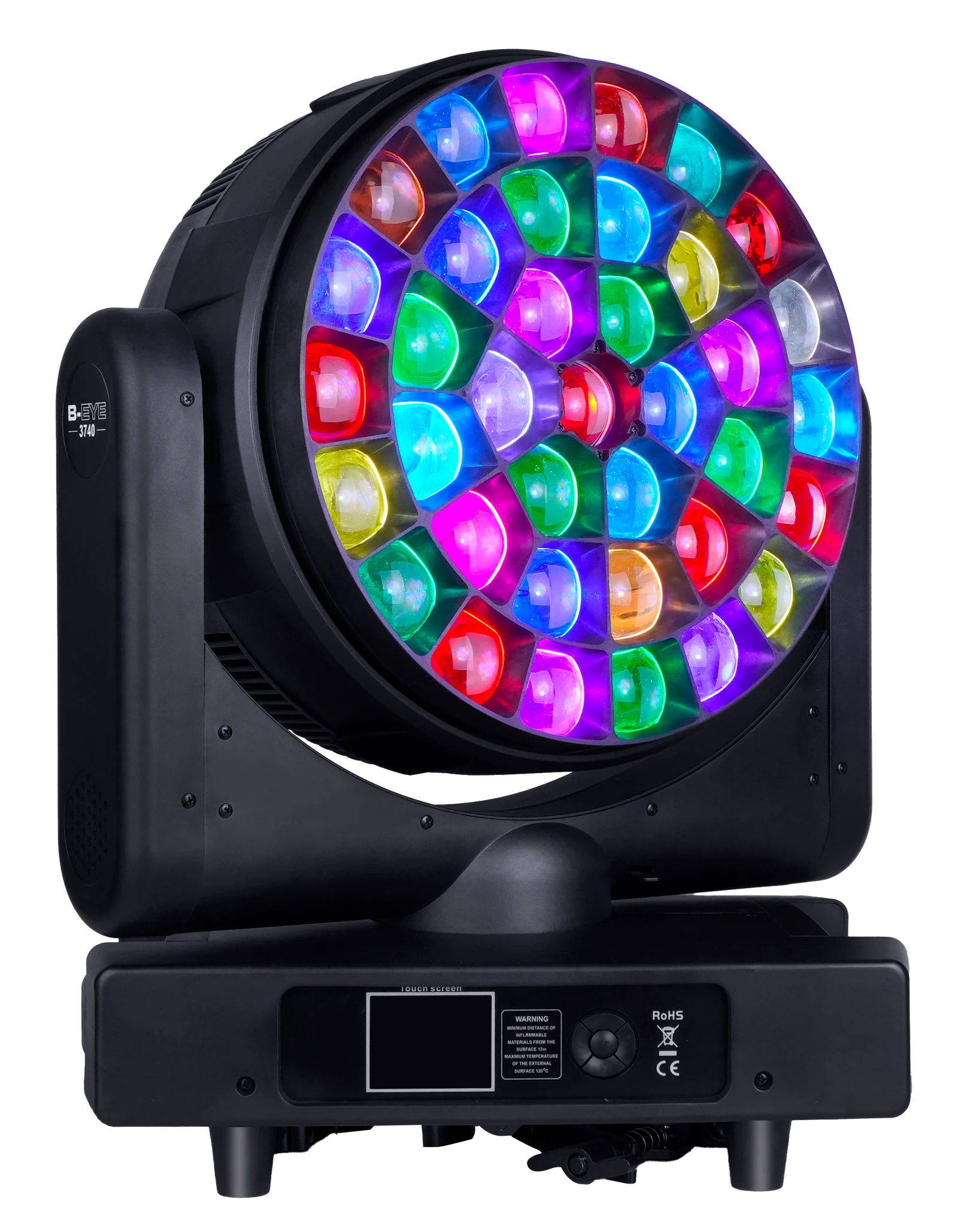
A multi-cell fixture can look like a blended wash at one optical position and a field of distinct images at another. Electric focus, motorized zoom, lens-plate rotation or other mechanisms may change the effect, but these functions are model-specific. Ask whether the control is continuous, indexed, coarse/fine or macro-based. check repeatability after reset and across several units.
For a camera-facing look, examine cell edges, halo diffusion, refresh behavior and the relationship between the main optics and background layer. For aerial use, test at the intended throw and haze level. For surface wash, check how cells blend and whether color separation appears at the edge. A dramatic close-up video may emphasize the lens face without showing venue-scale coverage.
The AL3740WR 37×40W LED Bee Eye illustrates a large optical-face format with a documented 7°–50° motorized zoom, bidirectional front-lens rotation and six DMX personalities. the documentation package supports these functions, while the published photometric values remain source-stated rather than independently certified.
- Test the face at audience and camera distance, not only close-up.
- Record focus or zoom values for every sample image.
- Check reset and position repeatability across multiple fixtures.
- Evaluate wash blending and aerial separation as different tasks.
- Confirm whether apparent rotation comes from mechanics, macros or both.
DMX planning
Extended pixel modes affect universes, profiles and programming time
The most capable mode is not automatically the most practical mode for every event.
A standard DMX universe provides up to 512 data slots. Large personalities reduce the number of fixtures that fit in one universe and increase the cost of profile maintenance, patching and troubleshooting. If the AL3740WR 169-channel mode is used, three fixtures consume 507 slots before spare addresses are considered. This arithmetic should be completed before the purchase quantity is finalized.
Use the DMX channel planning guide to compare compact and extended modes. The guide also explains why the profile version, firmware and physical sample should be approved together. A profile that labels cells in a different order can turn a planned spiral into an incorrect chase even when the total channel count is right.
| Workflow | Preferred mode characteristic | Risk to control |
|---|---|---|
| Corporate and general rental | Compact whole-fixture color/effect mode | Some bespoke cell looks unavailable |
| Touring effects package | Extended cell data plus effect parameters | High universe and programming demand |
| Club installation | Stable macro and halo control | Profile changes can disrupt stored scenes |
Creative control
Built-in effects reduce programming effort but need predictable parameters
Macros are valuable when they expose useful speed, fade, color and offset controls rather than a fixed demonstration loop.
A well-documented effect engine can create synchronized chases across cells while using fewer console parameters than direct pixel control. Project teams should ask how effects are selected, how direction and speed are changed, whether fade and transition are separate, and whether multiple fixtures can be offset. If the macros depend on master/slave behavior, test how they integrate with the intended DMX workflow.
The AL3740WR channel tables document shape selection, speed, fade, RGBW color, dimming, transition, offset and foreground/background strobe controls. This is useful project information of parameter categories, not a guarantee that every desired visual is built in. Record videos of the specific shapes the project team intends to sell or deploy and attach their channel values to the sample approval.
For a distributor demonstration, prepare three repeatable scenes: a clean wash, an audience-facing cell effect and a movement cue that combines the halo or macro layer. These scenes help sales staff explain the fixture without inventing functions. They also expose whether the basic personality is sufficient for customers who do not use a large console.
Applications
Evaluate Bee Eye products through the real show workflow
The same optical face can be valuable for touring, rental, clubs and television for different reasons.
Touring and rental
Touring programmers may value direct cells, offset controls and repeatable movement. Rental operations also need manageable case density, connectors, rigging, reset behavior, spare parts and profile distribution. Test multiple units because cell calibration, movement alignment and macro timing must remain consistent across a line.
Clubs and entertainment venues
Television and streamed events
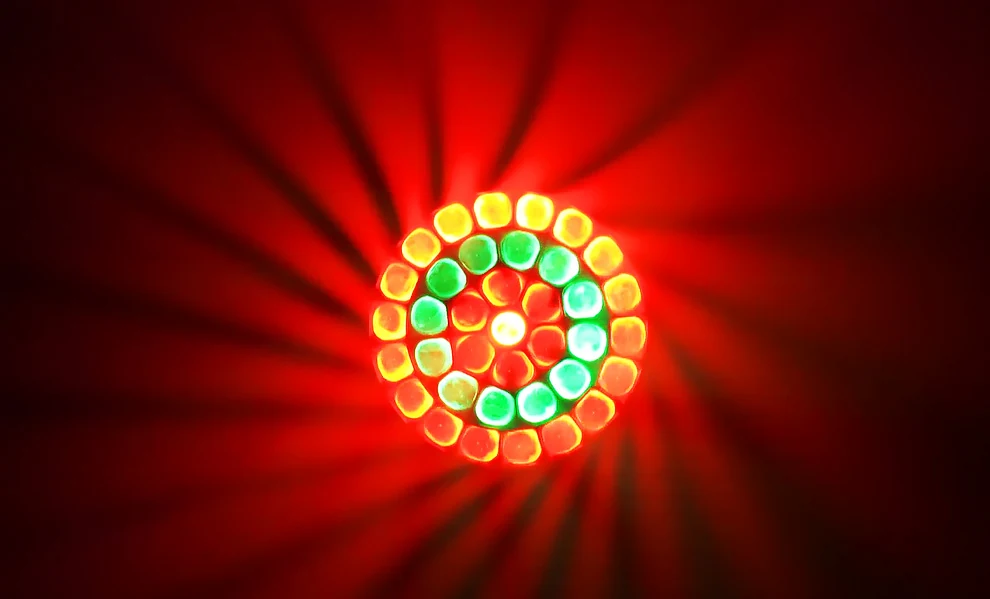
Camera evaluation should include refresh frequency, dimming, saturated colors, moiré or cell-edge appearance and the visibility of rotating optical effects. The AL3740WR check material identifies selectable dimming-frequency behavior, but final camera suitability still requires testing with the production camera settings. Do not convert a successful single-camera test into a universal broadcast claim.
Compare the dedicated Bee Eye product family and the wider LED wash moving head range when deciding whether the fleet needs pure coverage, visible pixel effects or both.
Procurement
A Bee Eye project checklist from channel chart to shipment
Eight approval gates
- 01Define the required visual effects
List wash, cell, ring, halo, rotation, focus and movement cues that matter to the market.
- 02Map physical cells and control zones
Obtain a numbered diagram and identify which personalities expose each layer.
- 03Calculate the control footprint
Budget DMX slots, universes, nodes and profile work for the intended fleet size.
- 04check optics at venue scale
Test wash blending, aerial separation and camera-facing appearance at the intended distance.
- 05Validate macros and direct pixels
Record channel values for the effects used in sales demos and show files.
- 06Compare multiple units
Check cell color, alignment, movement, reset, noise and effect synchronization.
- 07Approve documents and firmware
Lock the manual, DMX chart, profile, firmware, drawing and test notes.
- 08Carry criteria into inspection
Include effect, mode and cell checks in pre-shipment inspection and corrective-action records.
Qualified branding, manual, packing or selected configuration work can be updated through AOLAIT OEM stage-lighting solutions. Before the RFQ is released, browse all AOLAIT professional lighting products and record which Bee Eye role the order must fill.
Conclusion
Buy the published effect architecture, not only the lens count
A Bee Eye moving head can add wash coverage, visible cells, rings, halos and automated effects to a professional rig. Its real value depends on the relationship between physical optics, controllable zones, channel personalities and the specified show workflow. Cell count is only the beginning of the specification.
A responsible professional purchase verifies the zone map, current DMX chart, profile, optical behavior and multi-unit consistency. It records the exact effects that support the intended market and carries those checks into sample approval and pre-shipment inspection. This turns a visually striking product into a repeatable rental or distribution platform.
RECOMMENDED PRODUCTS
Models to evaluate against your brief
We organize model-specific product facts and available technical files to support fixture comparison and project planning.
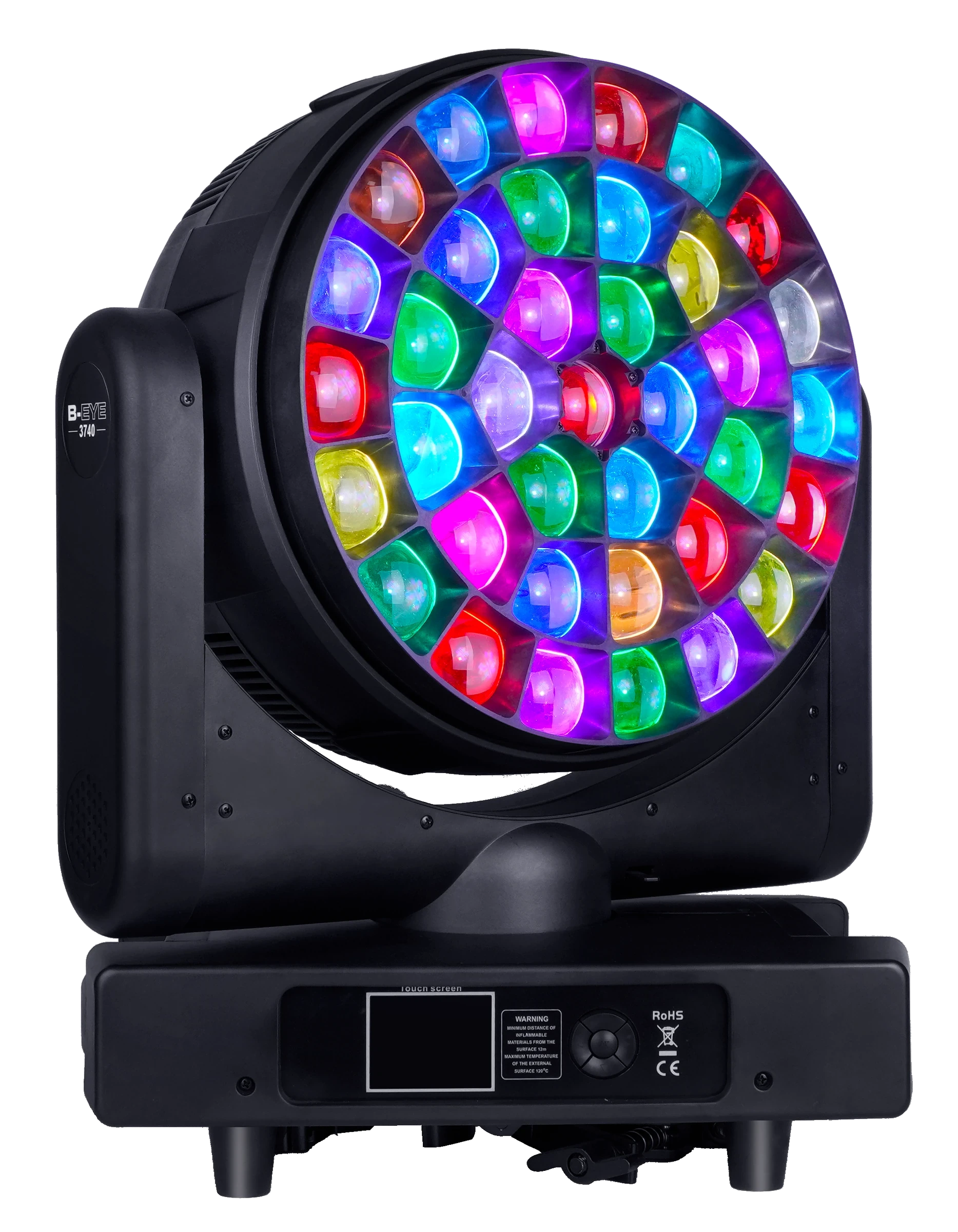
37×40W LED Bee Eye Moving Head
A thirty-seven-cell Bee Eye format for project teams comparing larger optical faces and effect-oriented fixture families.
- 37 × 40W catalogue designation
- Bee Eye format
- Request the current model datasheet
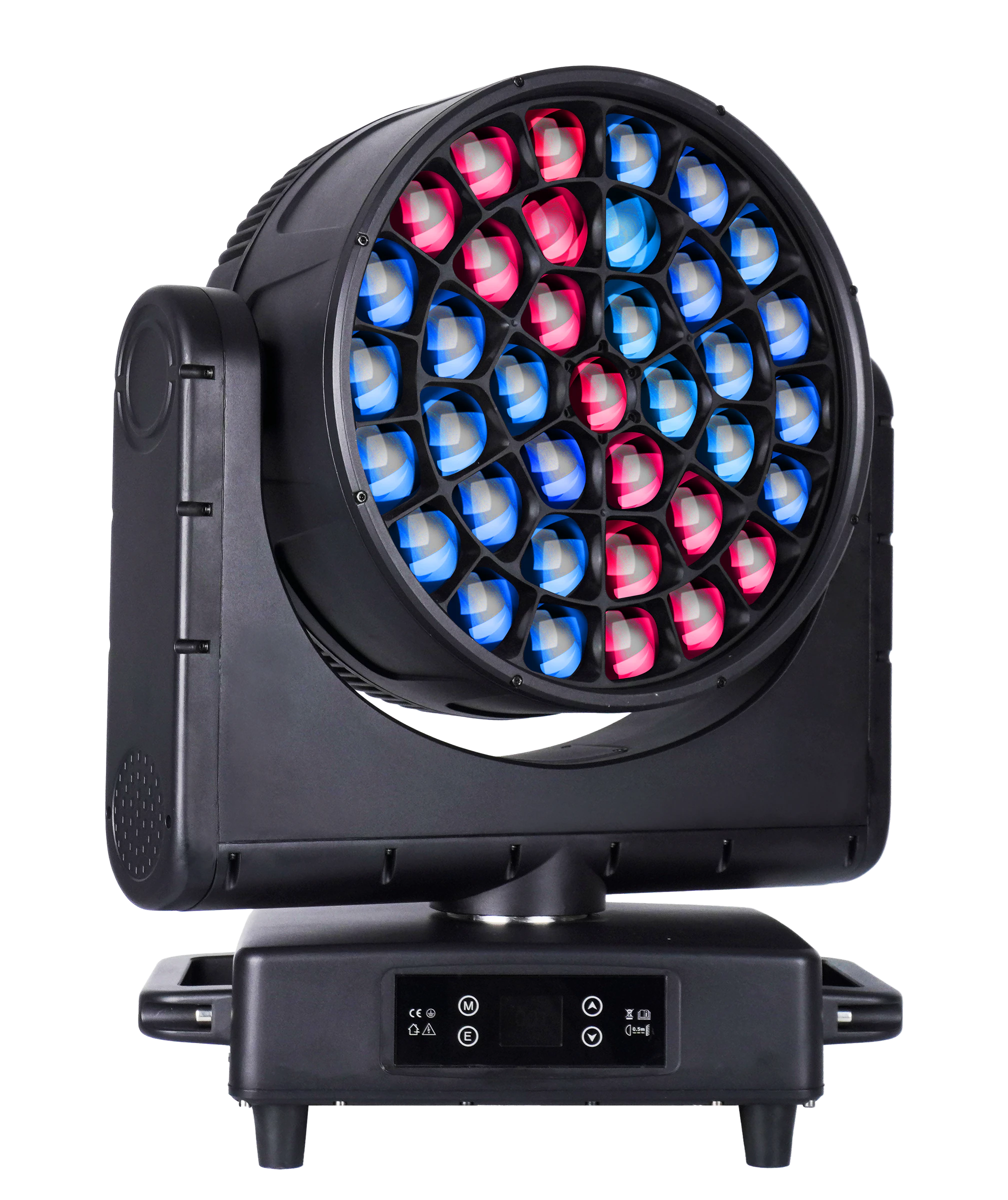
37×40W LED Bee Eye Moving Head
A thirty-seven-cell RGBW Bee Eye platform with motorized zoom and continuous rotating-lens effects.
- 37 × 40W RGBW
- 8°–48° zoom
- 21 / 22 / 35 / 36 / 111 / 148CH
FREQUENTLY ASKED QUESTIONS