
Demand definition
Start with the shows you must deliver, not the fixtures you want to own
A useful fleet brief describes recurring jobs, crew constraints and required looks before naming a model.
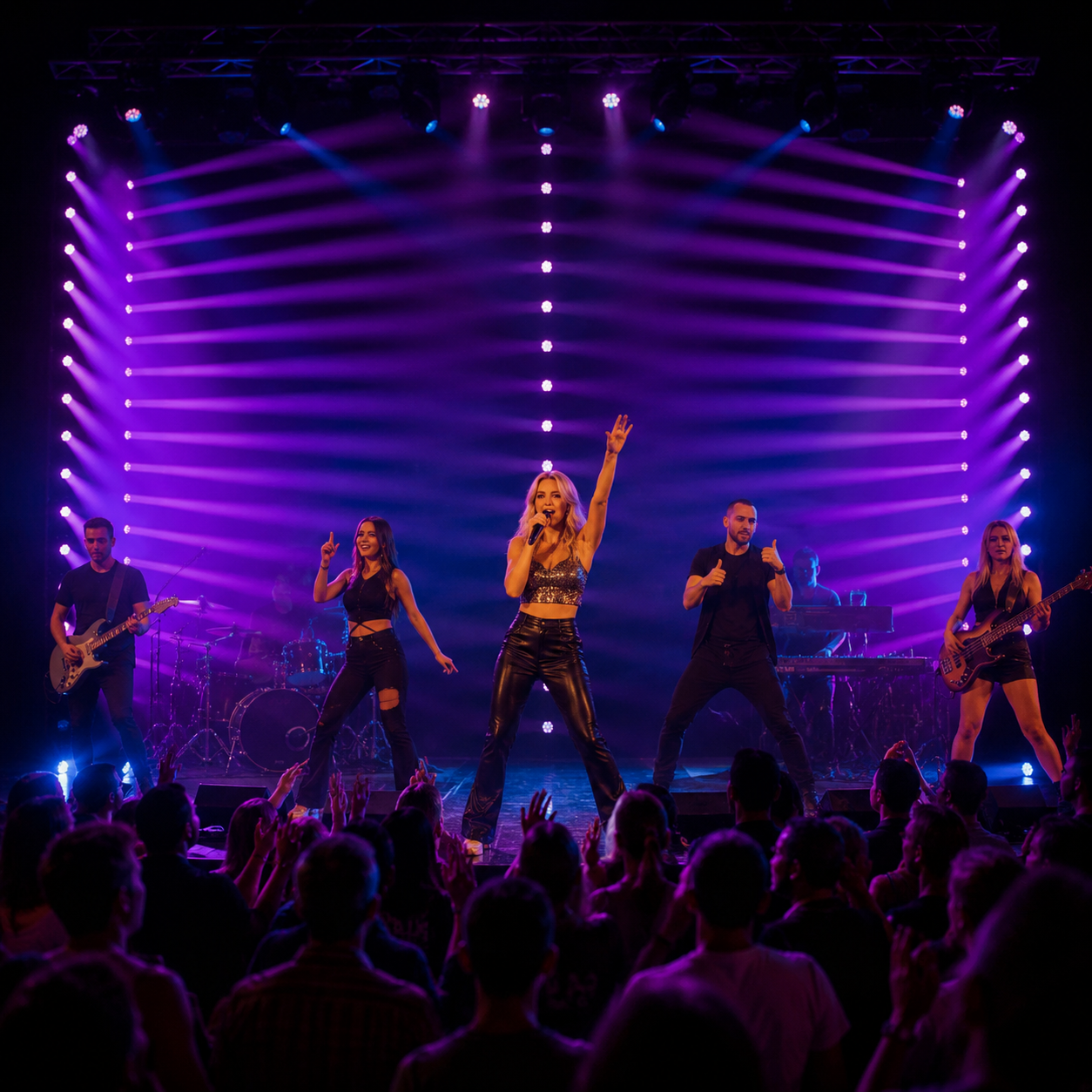
List the work the fleet must cover: corporate events, theatres, clubs, concerts, festivals, broadcast, houses of worship or dry hire. Record typical trim height, throw, stage width, rig size, load-in time, available power, weather exposure, camera use and audience expectations. Separate the looks used on most jobs from occasional effects that can remain in a specialist sub-fleet.
A compact indoor rental package may value quiet operation, low weight and simple personalities. A touring package may prioritize rugged handling, fast rigging, network control, repeatable colors and documented spares. An outdoor festival package requires a published environmental strategy for every component, including connectors, cabling and cases. The same product headline cannot answer all three briefs.
Use the wash-versus-beam comparison to decide whether the fleet needs broad color coverage, narrow aerial definition or both. Then check the AOLAIT LED Wash Moving Head range against the written show inventory.
| Rental scenario | Primary evaluation | Common hidden constraint |
|---|---|---|
| Corporate and theatre | Color quality, dimming, noise and compact control | Camera behavior and limited setup time |
| Concert and touring | Output, effects, networking, handling and repeatability | Crew time, cases and replacement compatibility |
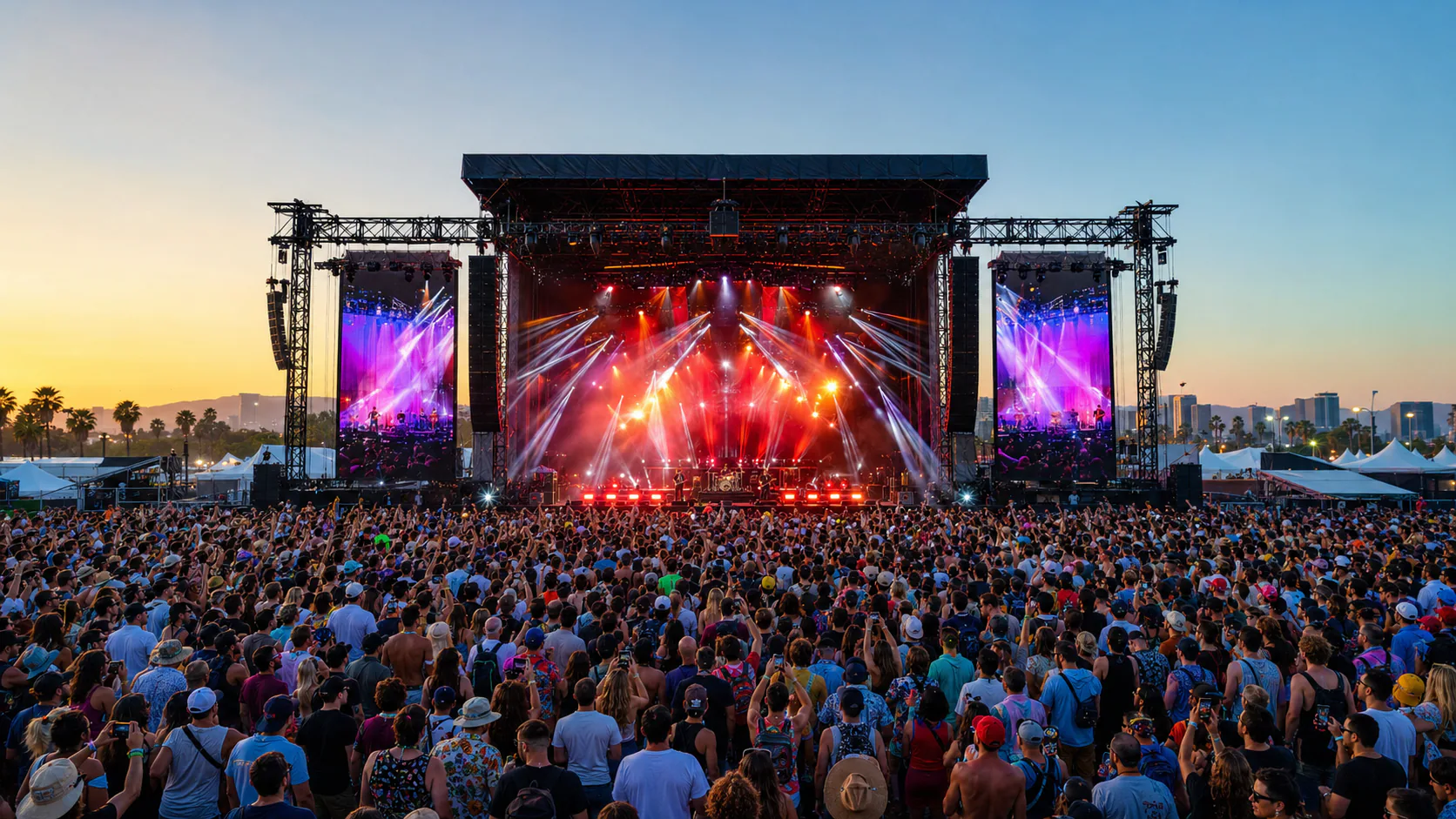
| Festival and outdoor | published environmental protection and power/data planning | Connector exposure, cleaning and drying workflow |
| Dry hire | Intuitive setup, profiles, documentation and abuse tolerance | Unknown console, operator and maintenance conditions |
Optical evaluation
Test usable looks across real throw distances
Input wattage and LED count are configuration clues, not a substitute for seeing the fixture in the intended rig.
Compare fixtures at equal distance, zoom, color, dimmer and camera settings. Evaluate the full field rather than staring at the lens face: center intensity, edge behavior, beam uniformity, mixed-color artifacts, minimum zoom, maximum coverage and consistency between units. Record settings and ambient conditions so a later sample or batch can reproduce the comparison.
Check saturated colors, whites, pastels, low-level fades, strobe and fast position changes. For pixel or Bee Eye fixtures, decide whether the show inventory will actually use cell control, foreground effects and macro behavior. A high-channel effect may be valuable for concerts but inefficient if most operators need a simple wash personality.
Use the LED wattage and configuration guide to compare engines without using wattage as a brightness guarantee. For a compact wash package, map coverage for two to four Zoom Wash fixtures before approving quantity. Ask for current photometric data where a quantified throw decision is required.
Programming
Approve DMX modes, profiles and network behavior before buying quantity
A rental fixture is only deployable when the console can patch it correctly and the crew can reproduce the programmed look.
Request the model-labelled DMX chart, fixture profiles, firmware record and protocol list. Patch every personality used by the business, check footprints and defaults, and test pan/tilt, dimmer, color, zoom, reset, macros and cell control. Import files on the named console and software version; the presence of a library ZIP does not prove compatibility.
Plan personalities by service tier. A compact mode can support simple hires and fast programming. A standard mode can expose normal color and effects. An extended mode can serve pixel-heavy productions. Document which mode is the fleet default, which profile is approved and how firmware or profile updates are distributed to cases and operators.
Follow the DMX channel-planning guide to calculate universes, addresses, network nodes, backups and file ownership for the proposed quantity.
Operations
Measure the handling and rigging workflow from truck to trim
Small delays repeated across many fixtures can cost more than a modest difference in unit price.
Have the crew lift, carry, case, clamp, safety, address, cable and focus the sample. check dimensions and weight from an approved drawing, then test real case layouts and door clearances. Inspect handles, feet, clamp points, safety attachment, display access and connector orientation. Consider whether one person can handle the unit under company policy and whether base shapes pack efficiently.
Calculate case mass, truck footprint, fixture density and spare-unit strategy. Define accessory kits by case: clamps, safeties, power/data jumpers, terminators and quick-reference cards. Standardizing accessories can reduce missing-part calls and cross-rental confusion. For touring, check whether displays and connectors remain accessible in pre-rig or floor positions.
check input current and power-through limits using the approved production documentation, local voltage and cable system. Do not calculate daisy-chain counts from nominal fixture wattage alone. Account for connector ratings, circuit loading, starting behavior, cable length and local electrical rules. A safe distribution plan belongs in the fleet package.
- Approved dimension drawing and actual sample weight
- Clamp and safety attachment workflow
- Case quantity, packed weight and truck footprint
- Display, power and data access in common orientations
- Per-case accessory and cable inventory
- Documented circuit and power-link plan
Application fit
check environmental, acoustic and camera performance for the job mix
The most expensive mismatch is often a requirement that was never tested because it was not visible in the catalogue comparison.
For theatre, broadcast and corporate work, listen at low output and static positions, not only during a loud demonstration. Test fan modes, movement noise and thermal behavior in the intended ambient conditions. For camera work, record representative frame rates and shutter settings while testing dimming, color and effects. Ask the operator to judge the result on the actual capture chain.
Read the IP65 guide and the RGBL versus RGBW comparison when environmental and color-system choices affect the fleet brief.
Uptime
Design maintenance, spares and fault triage before the first show
Rental reliability is the ability to detect, isolate and recover from faults with controlled parts and information.
Ask for approved service documents, exploded views where available, part identifiers, firmware procedure and warranty workflow. Inspect access to fans, filters, optical surfaces, belts or other service points permitted by the manufacturer. Record which work is operator-level, workshop-level or supplier-authorized. Uncontrolled disassembly can introduce safety, optical or sealing problems.
Build the spare plan from fleet quantity, show criticality, transport model, service location and component lead times. Include complete spare fixtures for show continuity, then develop parts stocking from observed failure and repair data. Avoid presenting a universal spare percentage as fact. Label repaired hardware and firmware revisions so mixed revisions do not create intermittent behavior.
The stage-lighting maintenance checklist provides daily, turnaround and periodic routines. Project teams needing private labels, custom documents or a defined spare package should include service scope in the AOLAIT OEM and manufacturing inquiry.
| Question | project information | Fleet decision |
|---|---|---|
| Can the crew identify the fault? | Error record, controlled checklist and swap test | Define triage before disassembly |
| Can the show continue? | Spare fixture and compatible profile | Set critical-spare quantity |
| Can the workshop repair it? | Approved procedure, parts and tools | Define authorization level |
| Can the supplier support it? | Warranty path, response owner and revision record | Include in supplier scorecard |
Quality gate
Approve a golden sample, then check the production batch
A rental company needs interchangeable units; one good sample cannot establish batch consistency.
Freeze the sample's hardware, firmware, personality, profile, appearance, optics, accessories, documents and packing. Photograph and record the approved configuration. Define repeatable acceptance scenes: white and saturated colors, low dimmer, full field, zoom endpoints, position accuracy, effects, network control, fan modes and sustained operation.
For the production lot, compare sampled units side by side and against the golden reference. Check serial and revision records, workmanship, rigging, connectors, movement, color/field consistency, firmware, labels, accessories, cases or cartons and document release. Record failures and retest after correction. Inspection project information should support the release decision, not a broad claim about lifetime.
Use the pre-shipment inspection checklist together with the burn-in and aging-test guide to define project information and limits before the order is ready to ship.
Rental fleet approval sequence
- 01Desk shortlist
Match published functions and open questions to the show inventory.
- 02Application sample
Test optics, control, handling, noise, camera and environment.
- 03Golden reference
Freeze product, files, accessories and packing revisions.
- 04Pilot or batch check
Compare multiple units and correct nonconformities.
- 05Fleet onboarding
Release profiles, labels, checklists, cases and spares.
Commercial decision
Compare total fleet cost and supplier support on one scorecard
Purchase price matters, but fleet economics also include labor, transport, accessories, downtime, parts and residual compatibility.
Model the complete acquisition: fixtures, cases, clamps, cabling, profiles, spares, freight, duties, inspection and training. Then estimate operating effects such as crew time, truck volume, power distribution, cleaning, planned maintenance and repair logistics. Do not create a precise lifetime number without project information; use scenarios and update them with actual fleet records.
Score suppliers on document accuracy, sample response, batch consistency, change notification, profile support, parts identification, warranty handling and corrective action. Weight criteria according to the show inventory. Retain open questions as conditions, not hidden assumptions. A lower-scoring model can still be selected if the business understands and accepts the trade-off.
| Category | Questions | project information |
|---|---|---|
| Show performance | Does it create the required looks at real distances? | Recorded application test |
| Deployment | Can crews rig, address and cable it efficiently? | Timed workflow and case plan |
| Control | Are modes and profiles stable across consoles? | Patch/import test and approved files |
| Service | Can faults be triaged and parts supplied by revision? | Service package and support workflow |
| Commercial | What is the complete acquisition and operating scenario? | Comparable quotation and cost model |
Conclusion
A coherent fleet is more valuable than a collection of impressive fixtures
The strongest rental purchase connects market demand, visible performance, control, handling, environmental fit, service and batch project information. It gives the crew repeatable units and files, gives the workshop controlled parts and procedures, and gives sales a clear promise they can actually deliver.
Explore the complete AOLAIT product catalogue for adjacent fixture types, then use a written scorecard and application sample to narrow the professional wash-lighting fixtures that genuinely fit your rental program.
RECOMMENDED PRODUCTS
Models to evaluate against your brief
We organize model-specific product facts and available technical files to support fixture comparison and project planning.
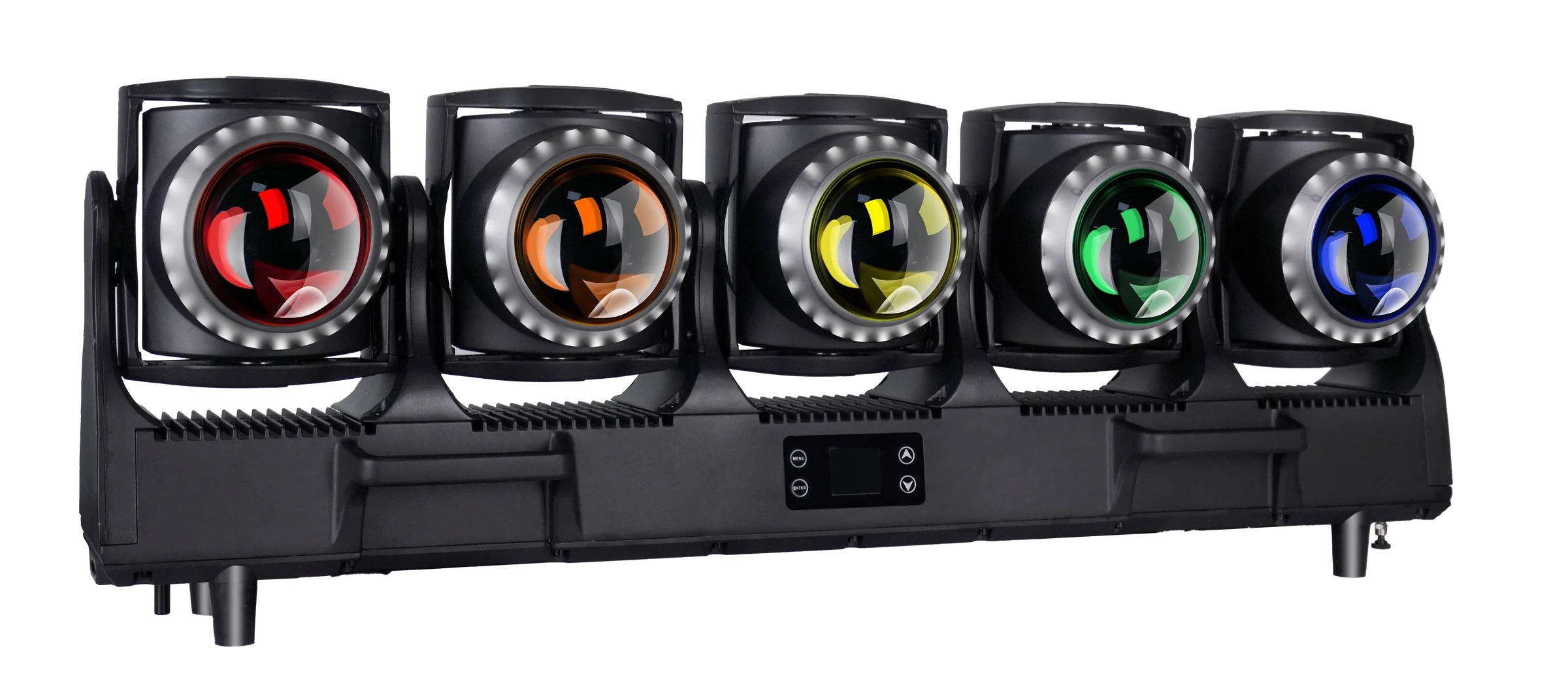
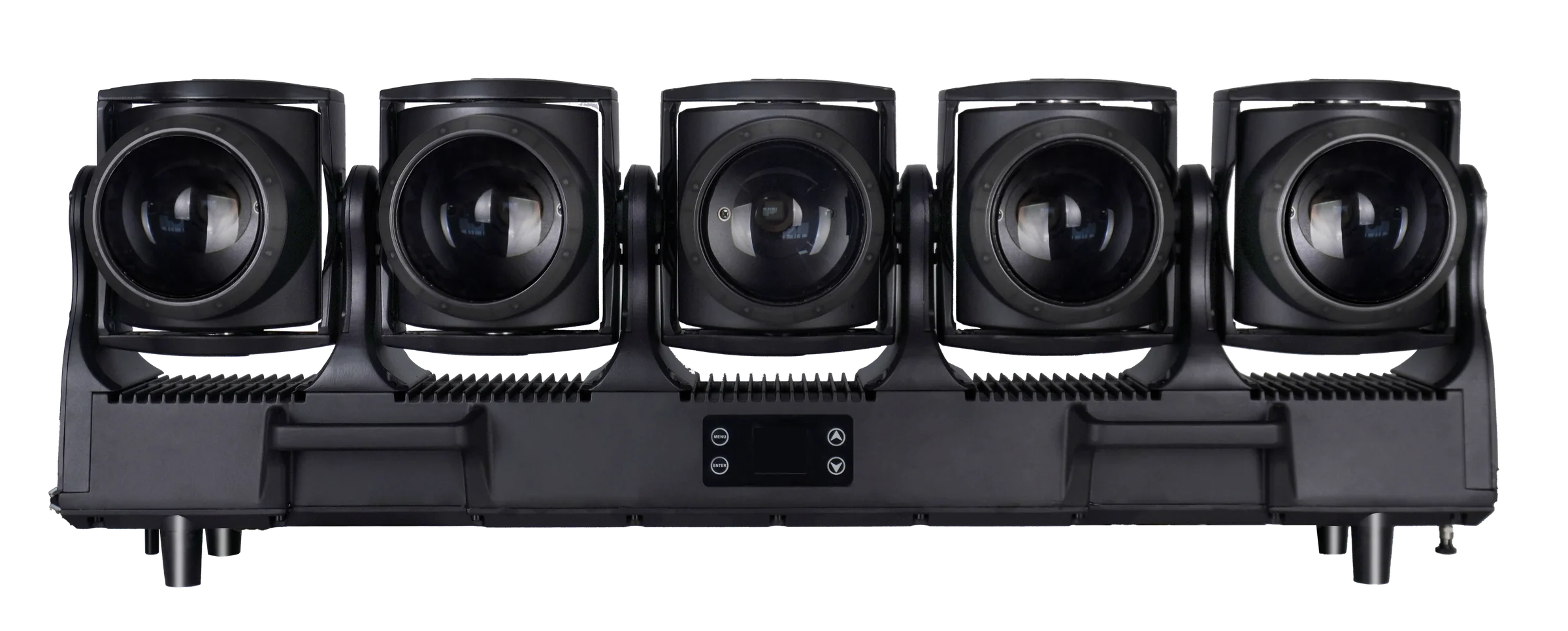
5×120W LED Tornado Waterproof
An IP-series five-head Tornado platform for outdoor-system, fleet and OEM configuration planning.
- 5 × 120W RGB + Lime
- 3.5°–45° zoom
- IP65
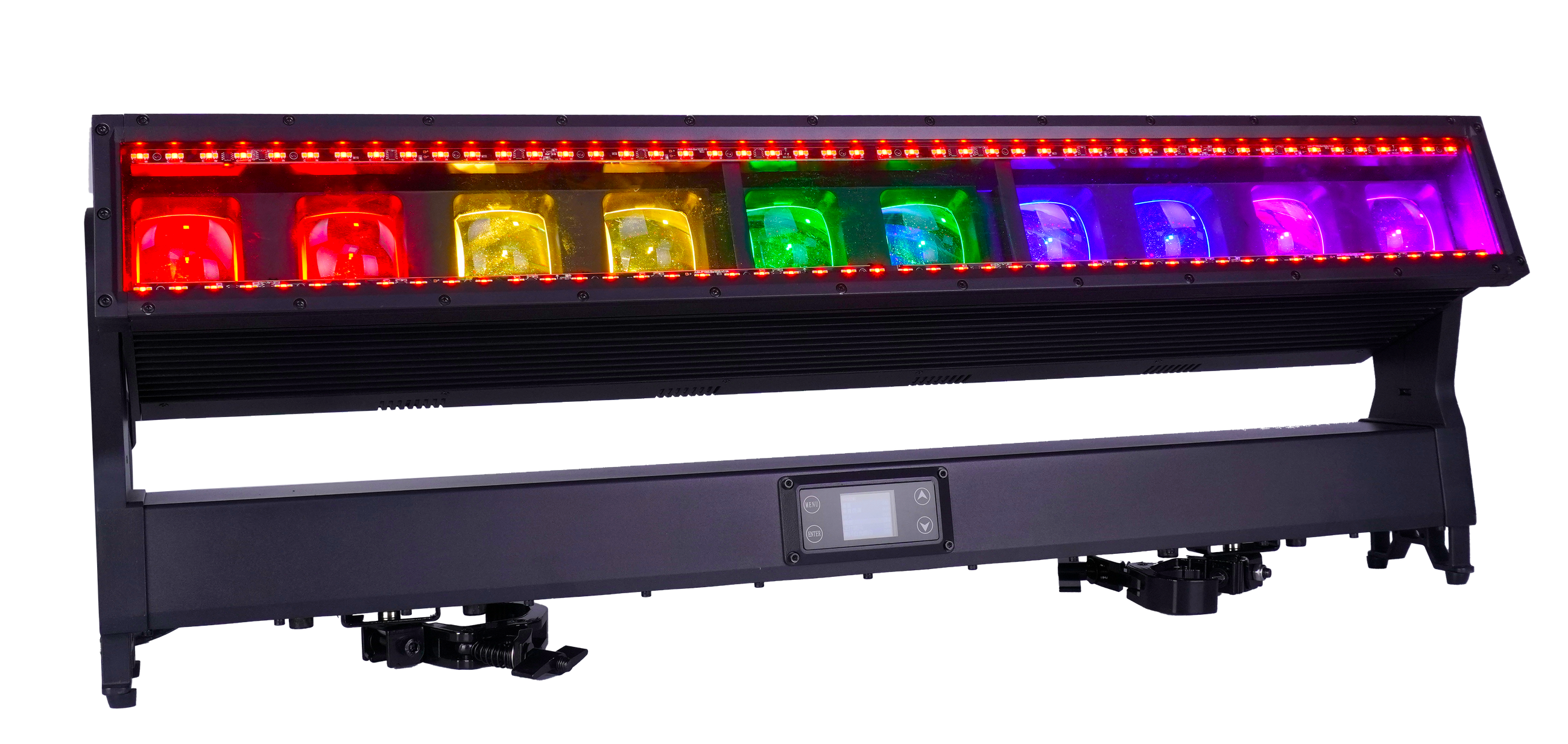
10×60W LED Moving Bar IP65
An IP65 linear Moving Bar platform with RGBW cells, separate auxiliary lines and extended control modes.
- 10 × 60W RGBW
- 5°–35° zoom
- IP65
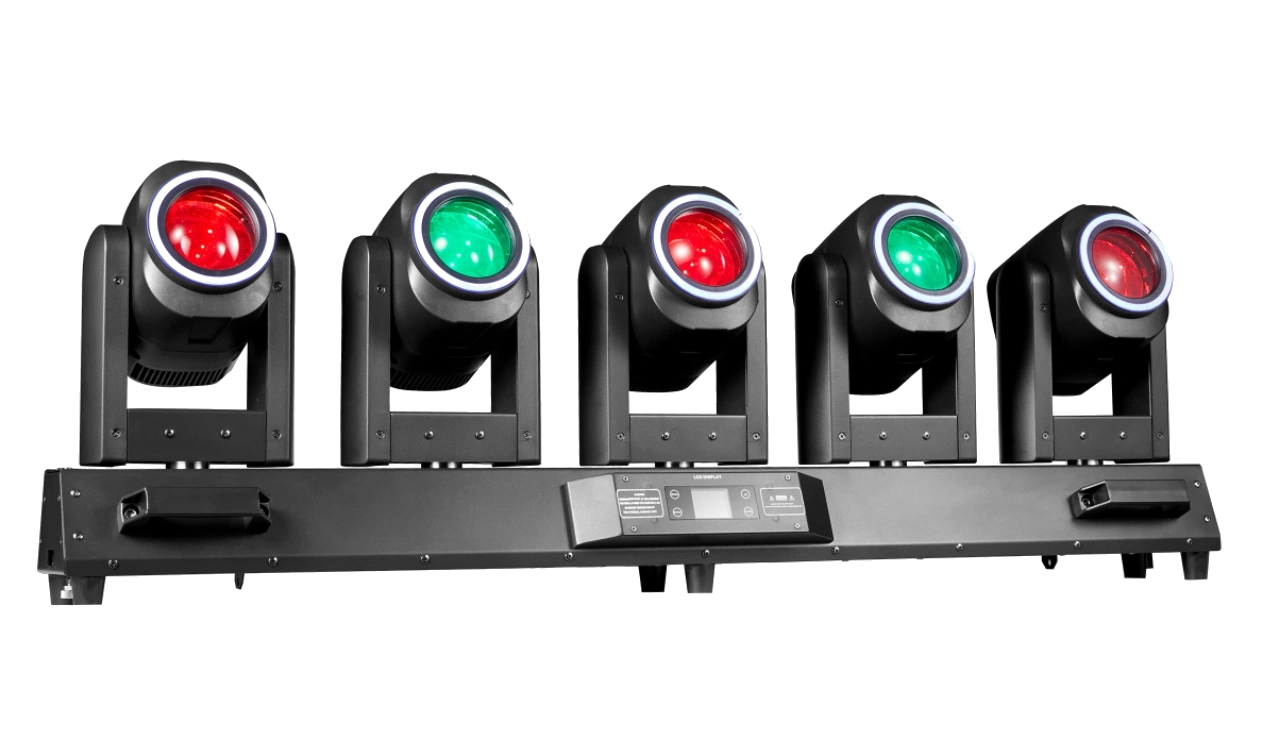
5×80W LED Tornado Moving Head
A five-head Tornado Wash FX platform with independently moving RGBW heads and aura rings.
- 5 × 80W RGBW
- Motorized focus
- 28CH to 88CH
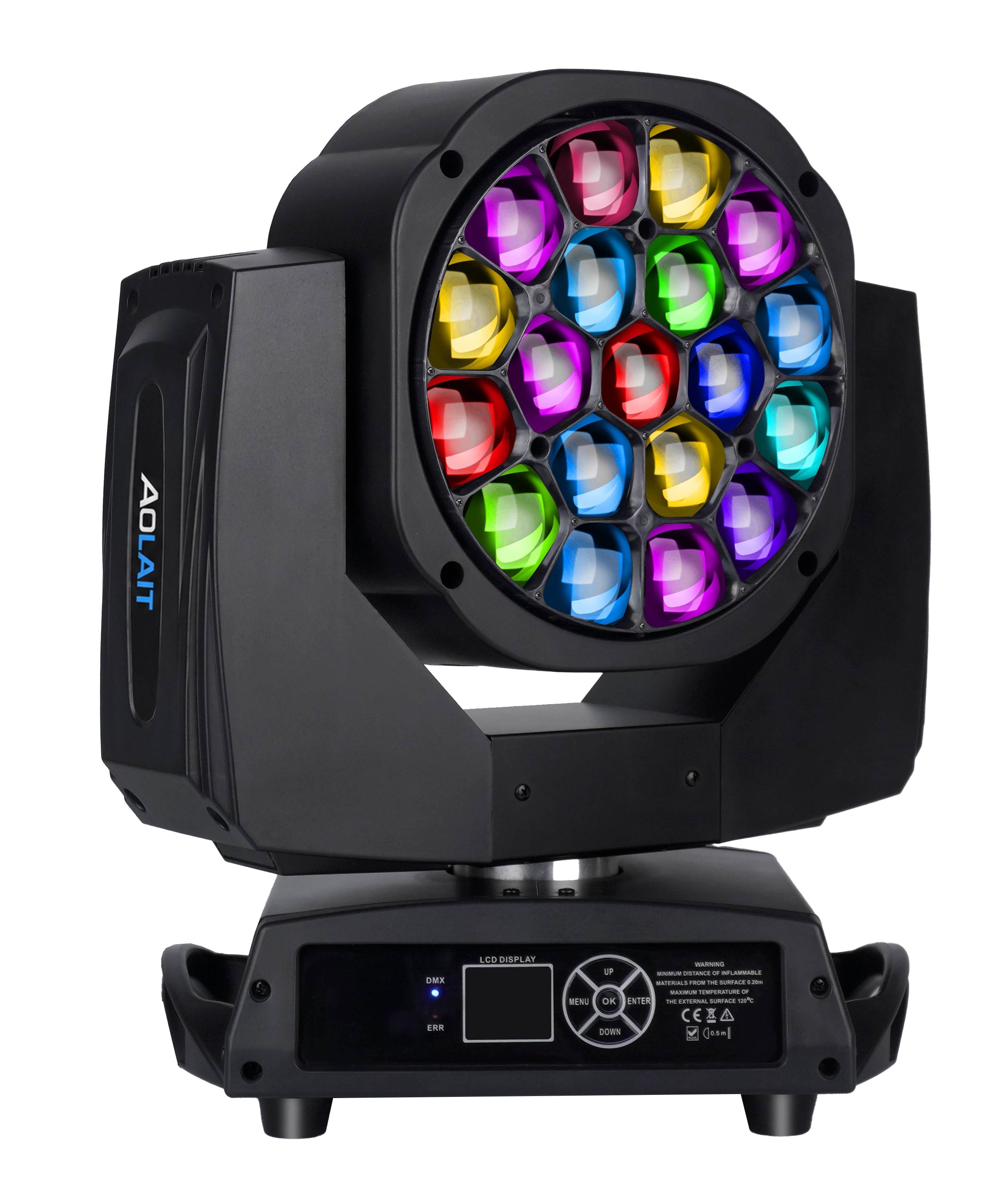
19×15W LED Bee Eye Moving Head
A compact nineteen-cell Bee Eye platform for pixel, zoom and console-profile planning.
- 19 × 15W RGBW
- 4°–60° zoom
- Seven DMX personalities
FREQUENTLY ASKED QUESTIONS