Working definition
What Is a Burn-In or Aging Test for LED Moving Heads?
In stage-lighting production, burn-in and aging test commonly describe a controlled period of powered operation applied after assembly and before shipment release.
The purpose is screening. A completed fixture can start normally during a short function check yet develop flicker, a fan warning, intermittent control, an unstable connection, abnormal movement or a thermal fault after operating for longer. Keeping units powered and exercising selected functions gives those conditions time to appear while the products are still inside the factory and can be contained, investigated and retested.
- Burn-in test
- A defined powered-operation screen intended to expose early or intermittent faults in completed products or assemblies before release. The useful meaning comes from the written conditions, duration, sequence and acceptance criteria—not the label alone.
- Aging test
- A term often used by lighting factories for the same production-stage powered operation. It should not be confused automatically with a standardized lifetime or lumen-maintenance test.
There is no single universal burn-in duration or sequence that proves every moving head is reliable. Product power, thermal design, firmware, functions, production risk, customer requirement and factory process all affect the plan. A statement such as 24-hour aging has limited procurement value unless it identifies what operated during those hours, how the lot was monitored, what counted as a failure and how failed units were handled.
For a complete shipment decision, pair aging project information with the stage-lighting pre-shipment inspection checklist. Burn-in addresses time under operation; it does not replace workmanship, quantity, packaging, documentation or model-identity checks.
Screening value
What a Defined Aging Test Can Reveal
The test is most valuable for faults that depend on operating time, temperature, movement, repeated commands or intermittent connections.
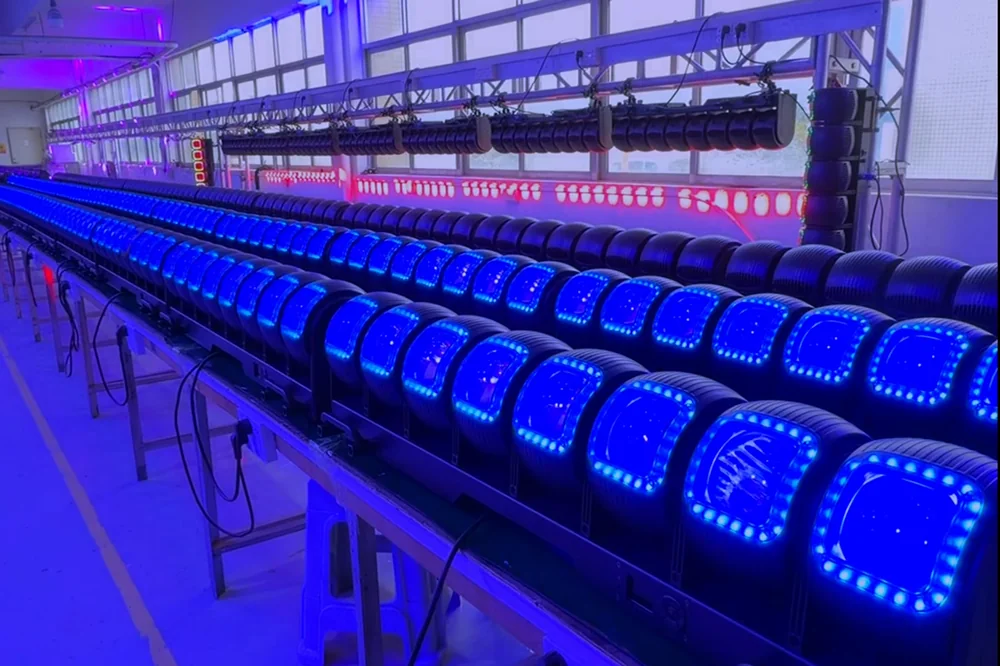
A moving head contains several interacting systems. The LED engine and driver create the light; fans, heat sinks or other cooling elements manage temperature; motors and sensors position pan, tilt and zoom; the control board interprets DMX and other protocols; firmware coordinates reset, effects and fault reporting. A burn-in sequence can place these systems under sustained or repeated operation long enough for certain assembly and component issues to become visible.
| System | Possible observable symptom | Follow-up |
|---|---|---|
| Light engine and driver | Flicker, non-illuminating cell, unexpected blackout, unstable dimming or visible color difference | Identify the unit, reproduce the condition and inspect the relevant module, wiring and control state |
| Cooling and thermal monitoring | Fan not starting, abnormal noise, temperature warning, shutdown or behavior changing after warm-up | Record ambient and operating mode, inspect air paths and check the approved thermal criteria |
| DMX and network control | Loss of response, wrong mode, intermittent data, reset or settings not retained | Record controller, profile, firmware, address and protocol settings |
| Connections and assembly | Intermittent power, display reset or fault appearing when the head moves | Quarantine the unit and inspect connectors, harness routing and assembly integrity |
| Batch consistency | One unit differs from the common color, movement or effect sequence | Compare against the approved sample and record the affected serial or lot identity |
Testing multiple units together also provides a consistency screen. When fixtures receive the same commands, technicians can spot one unit that resets later, homes differently, misses a cell or changes state unexpectedly. This comparison is especially relevant to rental fleets and touring packages, where a group is programmed and maintained as one system. If a numeric tolerance for output, color or sound is required, however, the factory needs a defined measurement method and calibrated equipment; a camera image alone is not sufficient.
Avoid overclaiming
What Burn-In Testing Cannot Prove
A production screen reduces a specific risk under specific conditions. It should not be presented as project information for unrelated performance or compliance claims.
A fixture operating through one factory sequence has demonstrated that it completed that sequence. It has not automatically demonstrated its full rated service life, lumen maintenance, color stability over years, safety compliance, electromagnetic compatibility, ingress protection, weather resistance, photometric performance or compatibility with every console. Those questions require their own design project information, laboratory methods, field evaluation or product-specific tests.
| Project question | Can burn-in answer it? | More appropriate project information |
|---|---|---|
| Did this unit operate through the defined factory sequence? | Yes, if the unit and record are traceable | Timestamped result, unit or lot identity and operator record |
| Will the fixture achieve a stated lifetime? | No | Applicable lifetime or reliability methodology, component data and field history |
| Is the fixture electrically safe for the destination? | No | Current model-specific reports and production safety tests performed by qualified parties |
| Is an outdoor-series unit protected to a claimed IP rating? | No | Model-specific ingress test report and confirmation that production construction matches the report |
| Does output meet a photometric specification? | Only if that measurement is separately defined | Photometric report or controlled measurement using calibrated equipment |
| Will it import into every lighting console? | No | Fixture profile validation on identified console software and firmware versions |
IEC 60598-2-17 defines particular requirements for stage and studio luminaires in conjunction with the relevant general luminaire requirements. An aging bench is not a substitute for that safety framework. Likewise, an IP label or a family-level marketing phrase should not be inferred from a photograph of powered fixtures. The current model, construction and report scope must match.
Make the claim inspectable
Define the Burn-In Test Plan Before Production
The plan should let another qualified person understand and repeat the intended process without relying on a sales description.
Start with the exact approved fixture configuration. Model name alone may be insufficient if an order has different power connectors, firmware, LED engine, fan behavior, network option or OEM artwork. Link the test plan to the approved sample and bill-of-material revision, and identify whether every finished unit or a defined sample enters the aging process.
Minimum test-plan fields
- 01Product and lot identity
Record model, hardware and firmware revision, production order, quantity, serial or batch range and the units included in the test.
- 02Input and environment
Record supply condition, frequency where relevant, ambient range, bench arrangement and any constraints on ventilation or fixture spacing.
- 03Duration and cycling
Define start, finish, continuous-operation periods, power cycles and whether units move between warm and cool states. Do not assume one duration suits every design.
- 04Operating sequence
Specify dimmer level, colors, white or effect states, pan and tilt cues, zoom movement, strobe limits, pixel patterns, fan mode and control protocol used.
- 05Monitoring and checkpoints
Define when operators observe units, which display warnings or measurements are recorded, and how intermittent symptoms are identified between checkpoints.
- 06Acceptance and disposition
State what counts as a failure, how affected units are quarantined, which investigation is required and what retest must be completed after rework.
A production line may use an automated or repeating program that cycles colors and movement. That can be effective when the sequence maps to the fixture's major systems. It can also leave gaps if the high-channel personality, network input, zoom endpoint, white presets or standalone recovery behavior never runs. The project team should compare the sequence with the functions purchased, then identify any additional sampled checks.
Automated fixture coverage
Build a Sequence for Moving-Head Functions, Not Only Light Output
A wash moving head should be exercised as a controlled electromechanical system, not treated as a static LED lamp.
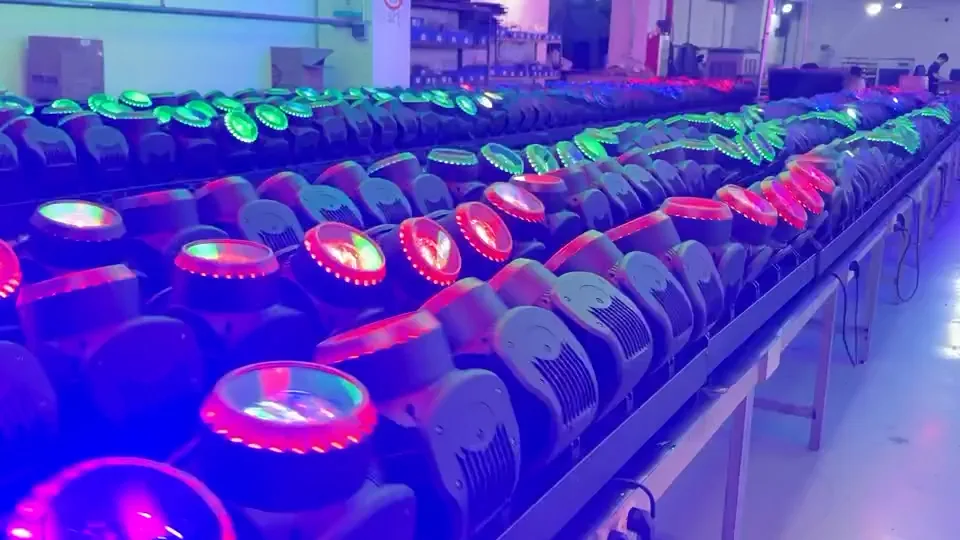
Begin with a baseline power-on and homing check. Record startup errors and compare reset time across the batch. Run slow pan and tilt movement to reveal hesitation, noise or wiring interference, then run faster and diagonal cues to observe control and repositioning. Command repeatable positions and home the fixtures again. A unit that drifts, impacts a stop differently or reports a sensor error should be isolated rather than allowed to disappear inside a group effect.
For the optical system, exercise the approved dimmer curves or at least low, middle and full output, then primary and representative mixed colors. Move zoom across narrow, middle and wide positions, and operate halo, backlight, ring or pixel layers where the purchased model includes them. High-density personalities can be time-consuming, so use a known diagnostic pattern that addresses every cell or zone and record the fixture profile and channel chart revision used.
| Stage | Functions | Observation focus |
|---|---|---|
| Startup | Power, display, firmware identity, home and error state | Abnormal reset, warning, retained settings and unit identity |
| Static full-load state | Documented high-output or combined operating state | Flicker, fan behavior, thermal warning, unstable cells or shutdown |
| Color and dimmer cycle | Primary colors, mixed states, low-to-full fades and agreed white presets | Failed emitter, visible mismatch, jumps and low-end instability |
| Movement cycle | Slow and fast pan and tilt, diagonal cues, repeat positions and home | Noise, hesitation, impact, lost position and cable interaction |
| Optical and effects cycle | Zoom range, ring, halo, cell or pattern functions | Endpoint consistency, missing zone and channel-map mismatch |
| Recovery cycle | Power cycle, reset and loss or restoration of control | Boot recovery, stored configuration and communication response |
If the selected model uses extended pixel modes, coordinate the test with the DMX channel planning guide. That connects production coordination to the console profile and universe plan the project team will use after delivery.
project information over slogans
Ask for Records That Connect the Test to the Shipment
The phrase factory aging tested becomes useful when the project team can trace it to a lot, method and result.
A practical production record does not need to expose confidential manufacturing details, but it should support the release decision. It should identify the order and model, quantity entering the process, start and finish, operating program, relevant conditions, inspection checkpoints, failures, rework and final status. If units are serialized, failed and retested units can be referenced individually. For batch-based traceability, the record should still make clear which production lot was covered.
- Production order, model, revision and lot or serial range
- Quantity tested and whether coverage was 100% or sampled
- Test location, equipment or controller, fixture profile and program revision
- Input condition, ambient condition, start, finish and observation checkpoints
- Functions or states exercised during the sequence
- Failed-unit identity, symptom, investigation, corrective action and rework reference
- Post-rework retest and final pass, hold or rejection disposition
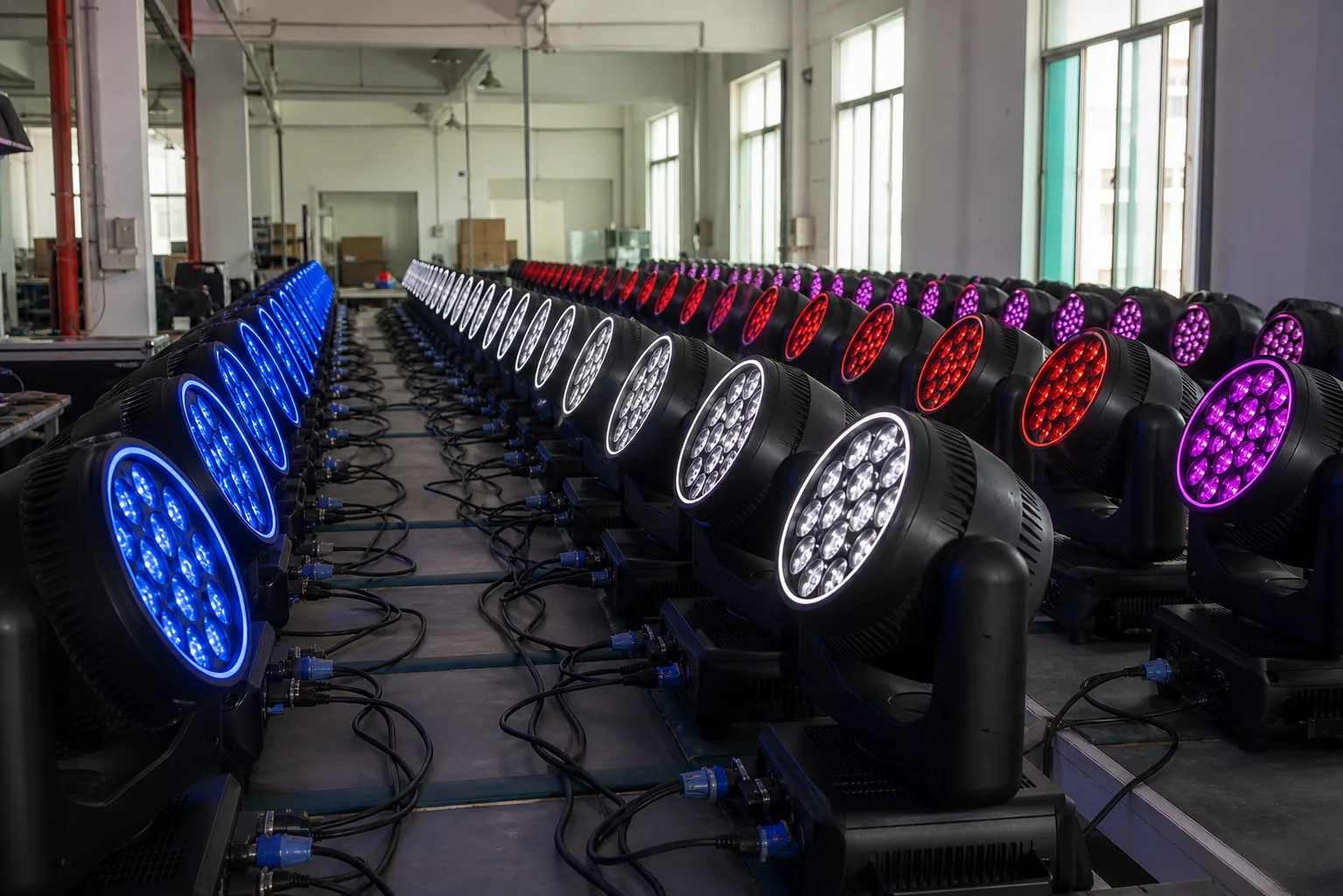
Photographs and video can support the record when they show the actual lot and date, but they should not replace the written result. A visually impressive row of fixtures may contain multiple models, test programs or orders. Conversely, a disciplined report may be more valuable than a highly produced video because it lets the project team connect a symptom and corrective action to the shipped units.
ISO 9001 describes a quality-management framework built around defined processes, documented information, monitoring, evaluation and improvement. It does not prescribe a stage-lighting burn-in duration. Its useful lesson for project teams is process discipline: define what should happen, record what happened, act on nonconformities and use the results to improve subsequent lots.
The failure process matters
Manage Failures, Rework and Retest Transparently
Aging is not credible because no problem is reported; it is credible when problems are contained and resolved through a controlled process.
When a unit fails, stop it from returning directly to the passing group. Mark or electronically quarantine it, record the observed condition and preserve the test state needed for reproduction. Technical staff should investigate whether the fault comes from one component, an assembly operation, firmware, connector, harness route, calibration or the test setup itself. Then consider whether other units from the same process window or component lot require additional check.
A closed-loop failure workflow
- 01Detect and identify
Record the exact symptom, time or state, model and unit or lot identity. Avoid descriptions such as bad light without a reproducible condition.
- 02Contain
Segregate the affected unit and, when the risk indicates, related production so it cannot move into packing while the cause is unknown.
- 03Investigate
Reproduce the fault and determine the technical cause. Check whether the issue is isolated or systematic.
- 04Correct
Repair, replace, recalibrate or revise the process through an approved instruction. Record any change that affects the approved configuration.
- 05Retest
Repeat the relevant burn-in and function sequence after rework. A quick power-on is not enough when the original symptom required time or movement to appear.
- 06check the lot
Decide whether sampling must be widened, the complete lot held, or an additional pre-shipment inspection performed before release.
After delivery, continue the same traceability with a stage-lighting maintenance checklist. Recording serial number, firmware, faults and parts replacement helps distributors and rental companies distinguish recurring product behavior from handling, rigging, cabling or show-file issues.
Decision framework
Use Burn-In Testing as One Gate in Project Procurement
The right question is not whether a supplier has an aging room. It is whether the process is appropriate, traceable and connected to the approved order.
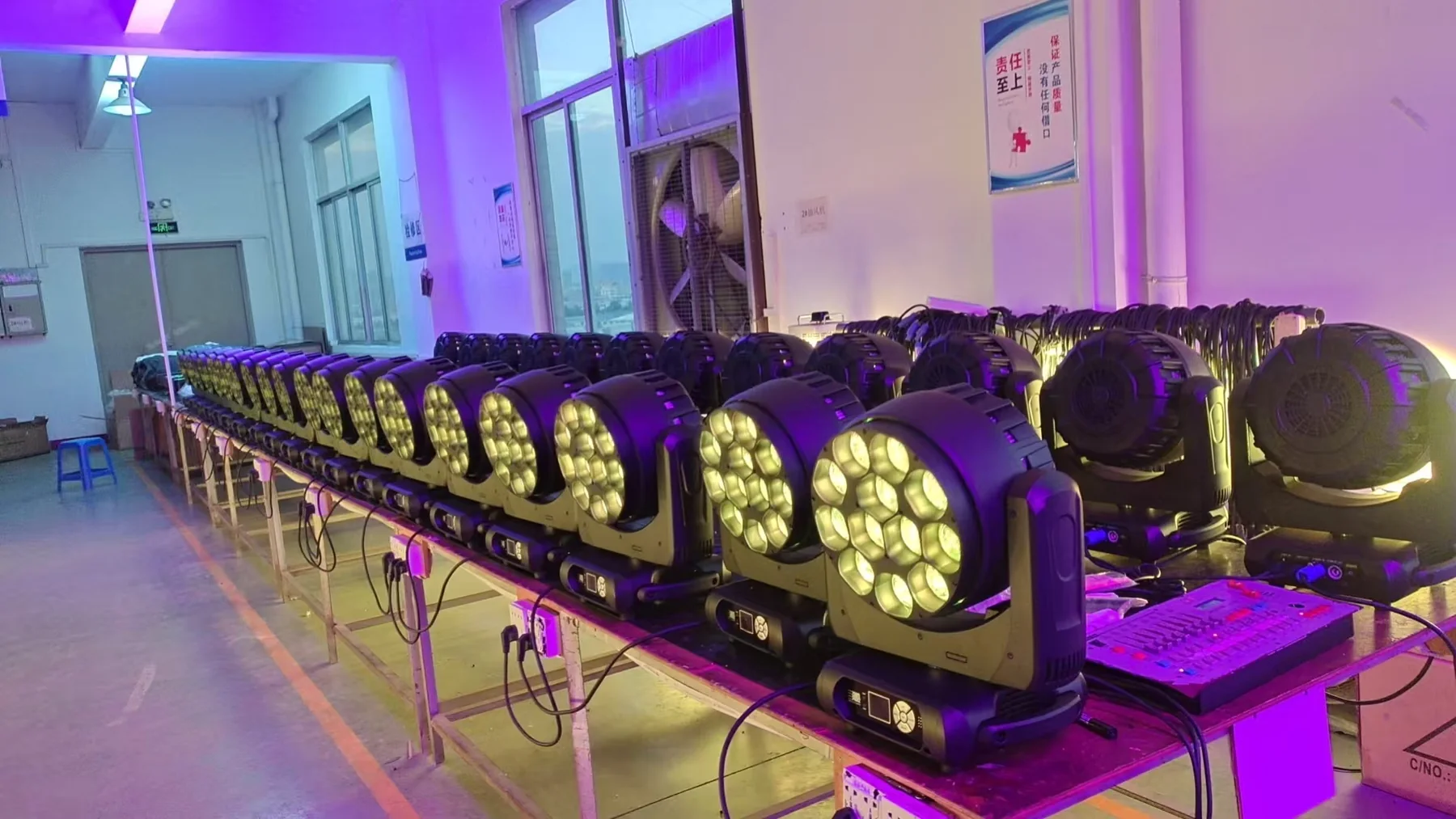
During supplier evaluation, ask to see the written test flow and one anonymized example record. During sample approval, make sure the intended firmware, DMX modes and effects are testable. Before production, agree whether every unit enters burn-in, which functions the sequence covers and which additional sampled checks apply. Before shipment, reconcile the aging result with the final inspection, packing list and corrective-action record.
| Question | Why it matters |
|---|---|
| Which exact model, revision and lot were tested? | Prevents project information from another construction or order being treated as applicable |
| Was coverage 100% or sampled? | Clarifies what the result says about the shipment |
| How long and under what operating sequence? | Separates a brief power-on from sustained, function-relevant operation |
| Which input and ambient conditions were recorded? | Provides context for thermal, driver and control behavior |
| Were pan, tilt, zoom, color, dimmer and purchased effect modes exercised? | Confirms that moving-head systems were included, not only the LEDs |
| What failures occurred and what happened next? | Shows whether the process contains, learns from and retests nonconforming units |
| How is the result linked to final inspection and shipment release? | Connects production project information to the project-specific cartons and documents |
Start with the LED wash moving head collection, compare models against your application and check the product catalogue. For order-specific test project information, submit the model, quantity, country and control requirements through the contact form.
RECOMMENDED PRODUCTS
Models to evaluate against your brief
We organize model-specific product facts and available technical files to support fixture comparison and project planning.
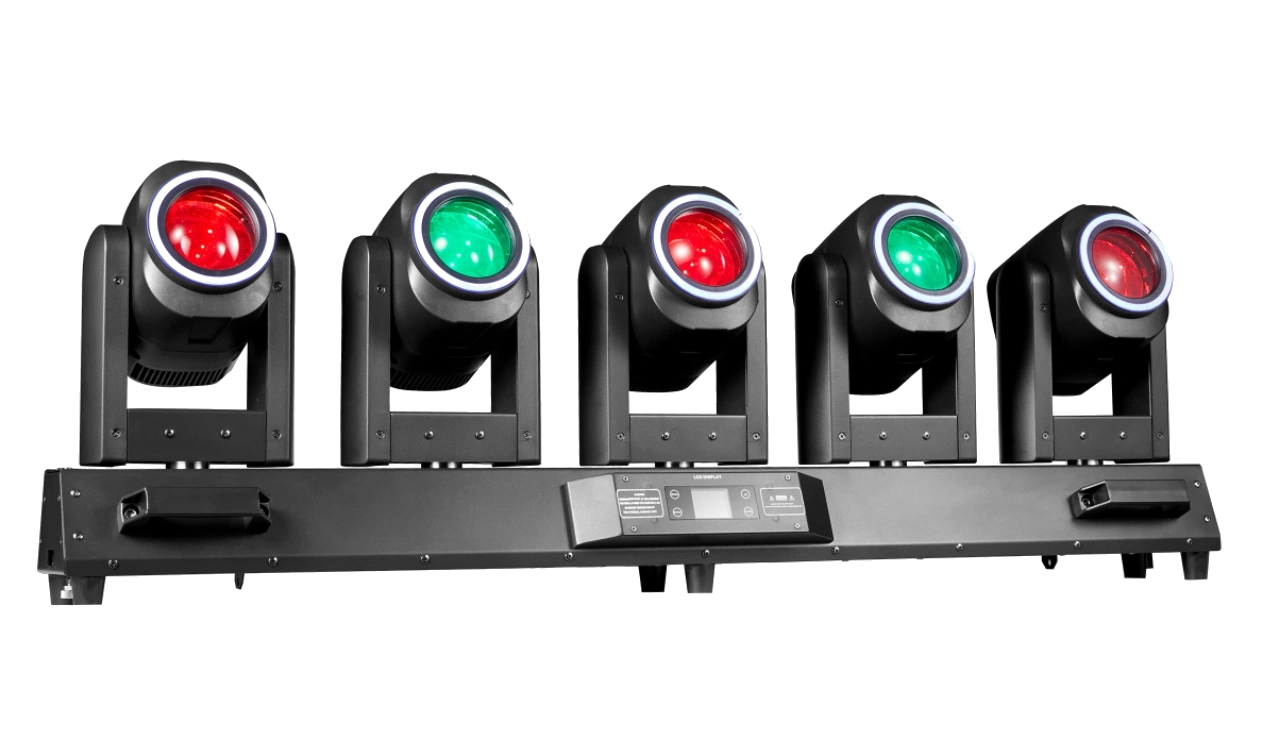
5×80W LED Tornado Moving Head
A five-head Wash FX platform whose independent movement, focus, RGBW output and aura rings support a multi-function operating sequence.
- 5 × 80W RGBW
- Motorized focus
- 28CH to 88CH
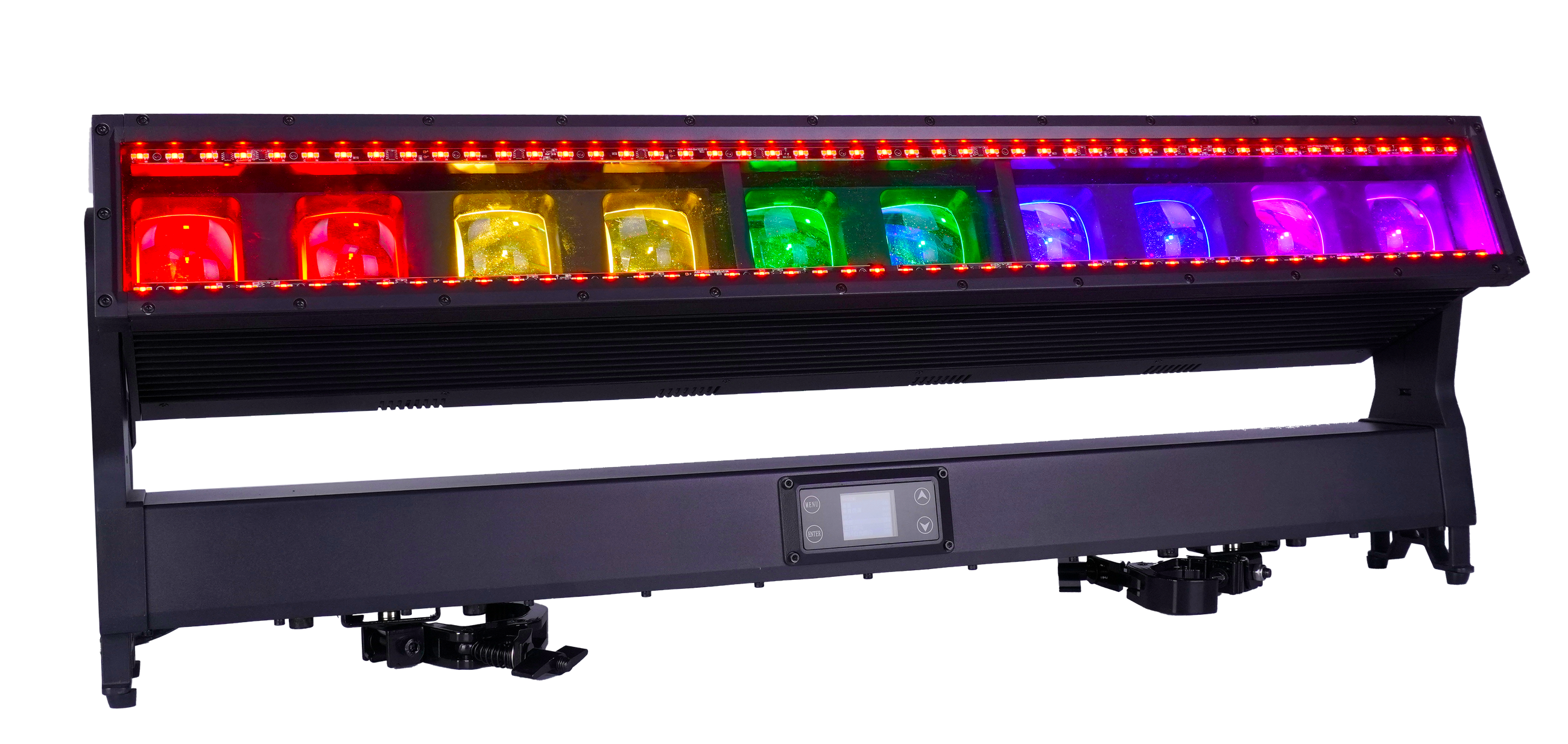
10×60W LED Moving Bar IP65
A multi-layer linear platform for exercising RGBW pixels, auxiliary effect lines, zoom, tilt and control recovery.
- 10 × 60W RGBW
- 5°–35° zoom
- IP65
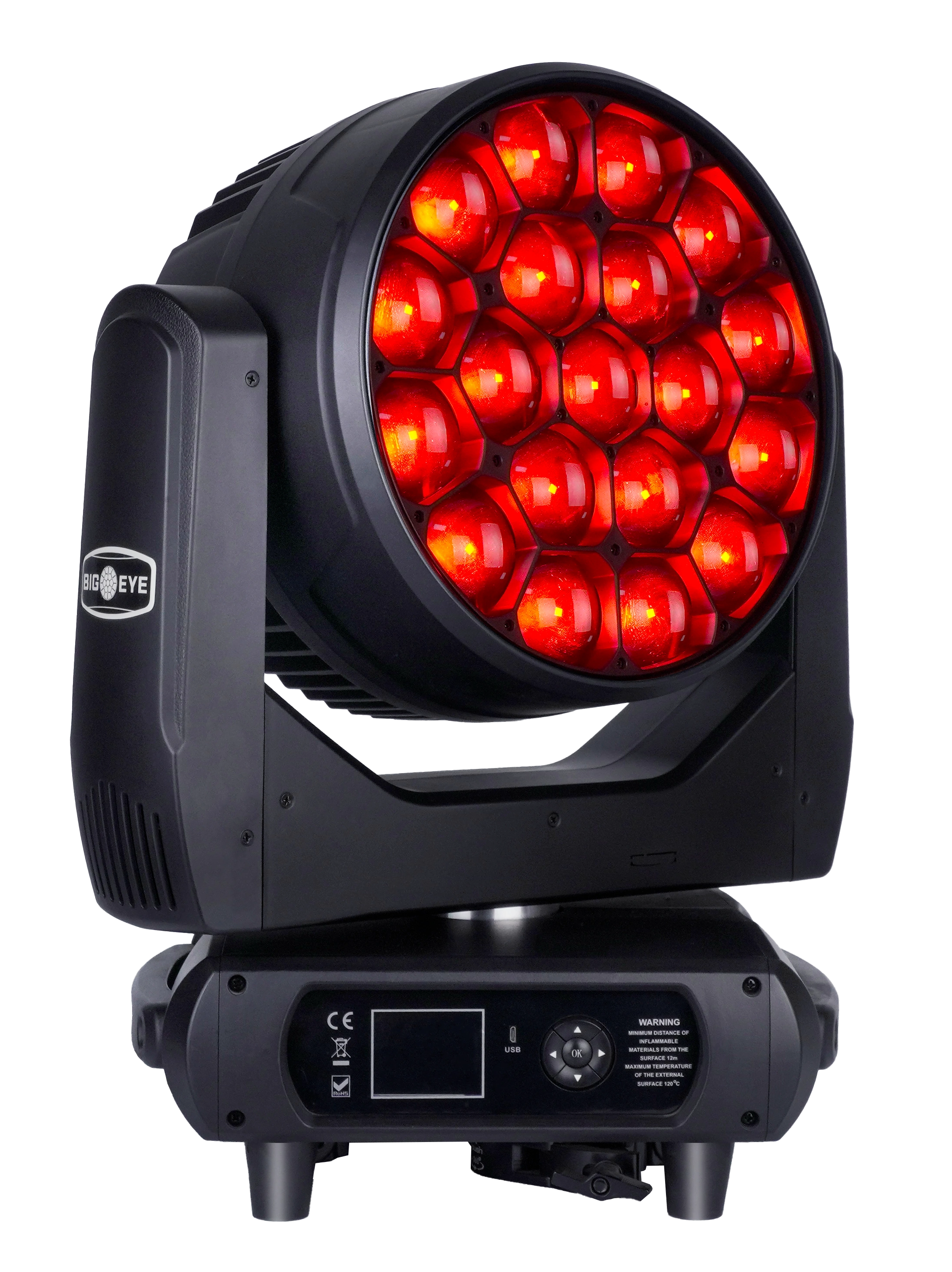
19×60W LED Super Bee Eye Moving Head
A high-output Bee Eye platform for exercising movement, zoom, rotating optics, pixel output and several programming personalities.
- 19 × 60W RGBW
- Five DMX personalities
- 21.4 kg
FREQUENTLY ASKED QUESTIONS