Start with the visual job
What Two to Four Zoom Wash Fixtures Can Realistically Do
A compact system can be useful and flexible when every fixture has a defined role. Quantity alone does not describe the result.
A small venue, mobile production company, house of worship, school or bar stage often begins with two to four moving washes. That quantity can create color, movement and depth, but it does not guarantee uniform illumination. Ask which area each light must cover, from which position and at which zoom setting.
A LED wash moving head with zoom can change from a tighter field to a broader wash. Zoom does not create more total light; it redistributes the available light across a smaller or larger area. Wider settings spread energy over more surface, while narrower settings concentrate it. The result also depends on the optical system and selected color.
| Quantity | Useful starting roles | Main limitation to test |
|---|---|---|
| 2 fixtures | Symmetrical color, back wash, side wash or two moving specials | Center coverage and overlap may be limited |
| 3 fixtures | Left, center and right zones or a symmetrical pair plus one center special | The center unit may carry more visual work |
| 4 fixtures | Four stage zones, two front plus two back, or two pairs at different angles | Power, control and safe mounting become more important |
Measure first
Build the Venue Brief Before Comparing Models
A simple site sketch turns a vague product search into a useful fixture brief.
Record stage width, depth, ceiling height, available trim positions and the distance from each fixture position to its target. Mark priority zones such as the performer area, lectern, drum riser or scenic wall. Note audience and camera positions because reflective scenery and camera exposure can change the result.
Create a five-line coverage brief
- 01Define the target area
Write the width and depth needing color, plus any surface needing consistent coverage.
- 02Measure each throw
Measure from lens position to target along the real angled path.
- 03Choose the visual role
Assign broad wash, backlight, side color, movement or a focused special.
- 04Record operating limits
List environment, audience distance, noise, cameras, circuits, rigging points and setup time.
- 05Define the control plan
Record the console, available addresses and required channel depth.
If you are still choosing the general fixture type, use our LED wash moving head selection guide to compare optics, color, control and service needs before narrowing the list.
Use geometry as a first pass
Estimate Wash Width from Throw and Angle
A quick calculation helps you identify useful test positions, but the final decision should come from a real sample in the intended environment.
- Approximate field width
- Width ≈ 2 × throw distance × tan(angle ÷ 2). Use one angle definition and keep every measurement in the same unit.
For illustration, a 20° field at a 6 m throw is about 2.1 m wide; a 40° field is about 4.4 m. This estimates footprint, not brightness, edge quality or color consistency. Angled targets and off-center positions also stretch the field.
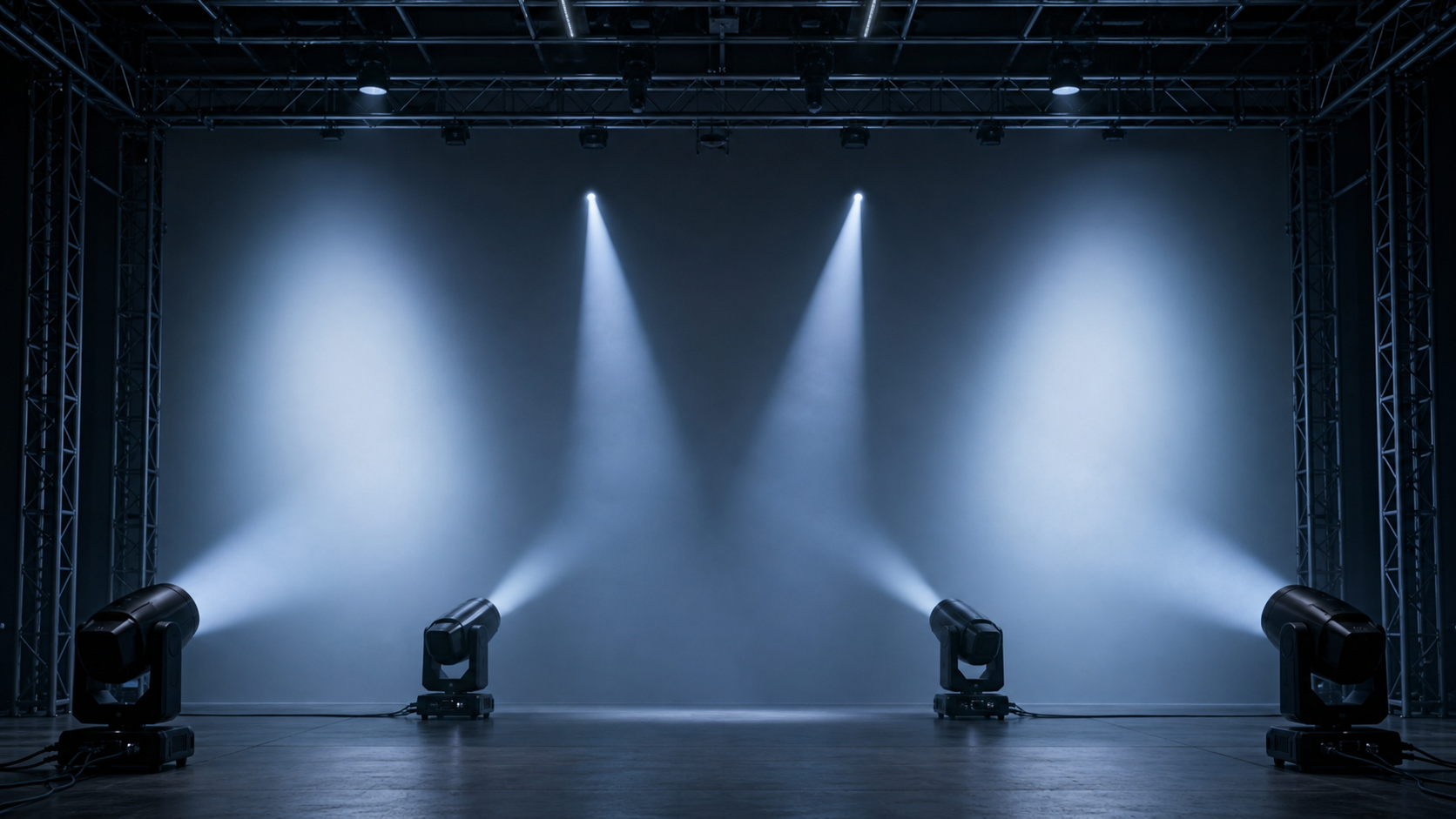
Mark narrow, middle and wide settings for every position. Observe the useful field, softer spill and overlap with adjacent units. Small overlaps are easier to blend than fields meeting at a perfect edge. Test aerial looks in normal haze without confusing a visible beam with useful surface coverage.
Give every unit a role
Choose a Placement Pattern for Two, Three or Four Fixtures
The best compact layout is the one your team can repeat quickly while preserving useful angles and clear sightlines.
Two fixtures: build a reliable symmetrical pair
Place one unit on each side for back wash, high side color or crossed movement. Use intentional center overlap instead of forcing both units to cover the full width. Two fixtures create balance but little redundancy, and they should not automatically replace dedicated front light.
Three fixtures: add a center anchor
A left-center-right row creates clearer zones and gives a center performer, lectern or scenic feature its own fixture. Another option is a rear pair plus one front special. Keep the center cue list focused, and check movement paths around audiences and cameras.
Four fixtures: create zones or depth
Four units can form four overlapping zones, two balanced pairs or separate front and rear roles. Use complementary angles on wide stages or one pair per depth zone. Independent roles make cues clearer and reduce unnecessary movement.
For equipment that will travel between venues, the rental fleet selection checklist adds handling, case density, accessories, service and repeatability to the optical plan.
Measure the result you need
Run a Sample Test That Matches the Real Job
A short structured test is more useful than comparing isolated wattage numbers or fast effect videos.
Mount the sample at the intended distance and height. Use the expected target surface, ambient light and camera settings. Record model, software, channel personality, zoom, color and distance. Compare models from identical positions with the same cues.
- Observe narrow, middle and wide zoom on one marked surface.
- Check uniformity, color separation, edges and fixture overlap.
- Run saturated colors, useful whites, fades and low-level dimming.
- Test pan and tilt paths, home position and repeated cues.
- Operate long enough to assess noise, heat and stable output.
- Load the intended personality on the real console.
Nominal LED wattage helps categorize hardware, but it does not replace an optical test. Our guide to LED moving head wattage and cell configuration explains why optics, thermal behavior and stage geometry belong in the same comparison.
Look beyond the optical face
Plan Control, Power, Rigging and Transport as One System
A four-fixture system is still a complete system. The supporting workflow determines whether it is fast and dependable on site.
Choose a personality that exposes the functions the show uses. Compact modes simplify programming and preserve DMX space; extended modes may add zone or effect control but need more addresses. Patch the complete rig on paper before ordering.
Use the DMX channel planning guide to calculate address space, select personalities and document the show file. Check key functions on the intended console and fixture configuration.
Build the electrical plan from the published rated input, connector limits, local voltage and circuit design. Use qualified technicians, rated clamps, suitable safety attachments and approved structure. Check head and yoke clearance through planned movement.
Decide between single or paired cases, assess handling under company policy, and assign storage for clamps, safeties and cables. Keep a setup sheet with addresses, modes, positions and cable order so the system deploys consistently.
Compare architectures, not rankings
Two Published Zoom Wash Examples for a Shortlist
These Aolait examples show how different zoom ranges, LED engines and control footprints can lead to different planning questions.
| Model | Published parameters | Question for a 2–4 fixture test |
|---|---|---|
| AL150WX | 1 × 150W RGBL main source; 24-pixel RGB auxiliary array; 19°–27° motorized zoom; five DMX personalities | Does its focused zoom range match the fixed positions and visual roles in your venue? |
| AL1019WZ | 19 × 15W RGBW; 8°–63° motorized zoom; 16CH or three-zone 24CH control | Can one configuration cover both narrow accents and broad zones while keeping programming practical? |
AL150WX represents a compact single-main-source format with an auxiliary effect array and focused zoom range. AL1019WZ represents a nineteen-cell RGBW format with a broader published zoom range and two control depths. Compare both against the same venue brief.
Explore the complete Aolait Zoom Wash Moving Head family to compare additional models before arranging a sample or quotation.
Make the first reply useful
Prepare a Quote-Ready Brief for Two to Four Units
A concise technical brief helps our team respond with a relevant configuration instead of a generic price list.
- Quantity and whether every unit must be identical.
- Venue type, stage size, trim height and throw distances.
- Operating environment plus audience and camera positions.
- Visual roles: wash, backlight, side color, accents or effects.
- Console, preferred personality and available DMX space.
- Voltage, plug, mounting, case and delivery country.
- Schedule for sample, order decision and first use.
Attach a phone photo or stage sketch with proposed positions. Mark the distance from each position to its target and any area needing more even coverage. For a touring system, include the smallest and largest common venues.
For common questions about product pages, samples, documentation and enquiries, see the LED wash moving head product FAQ. When ready, use the contact page below and include the planned quantity.
RECOMMENDED PRODUCTS
Models to evaluate against your brief
We organize model-specific product facts and available technical files to support fixture comparison and project planning.
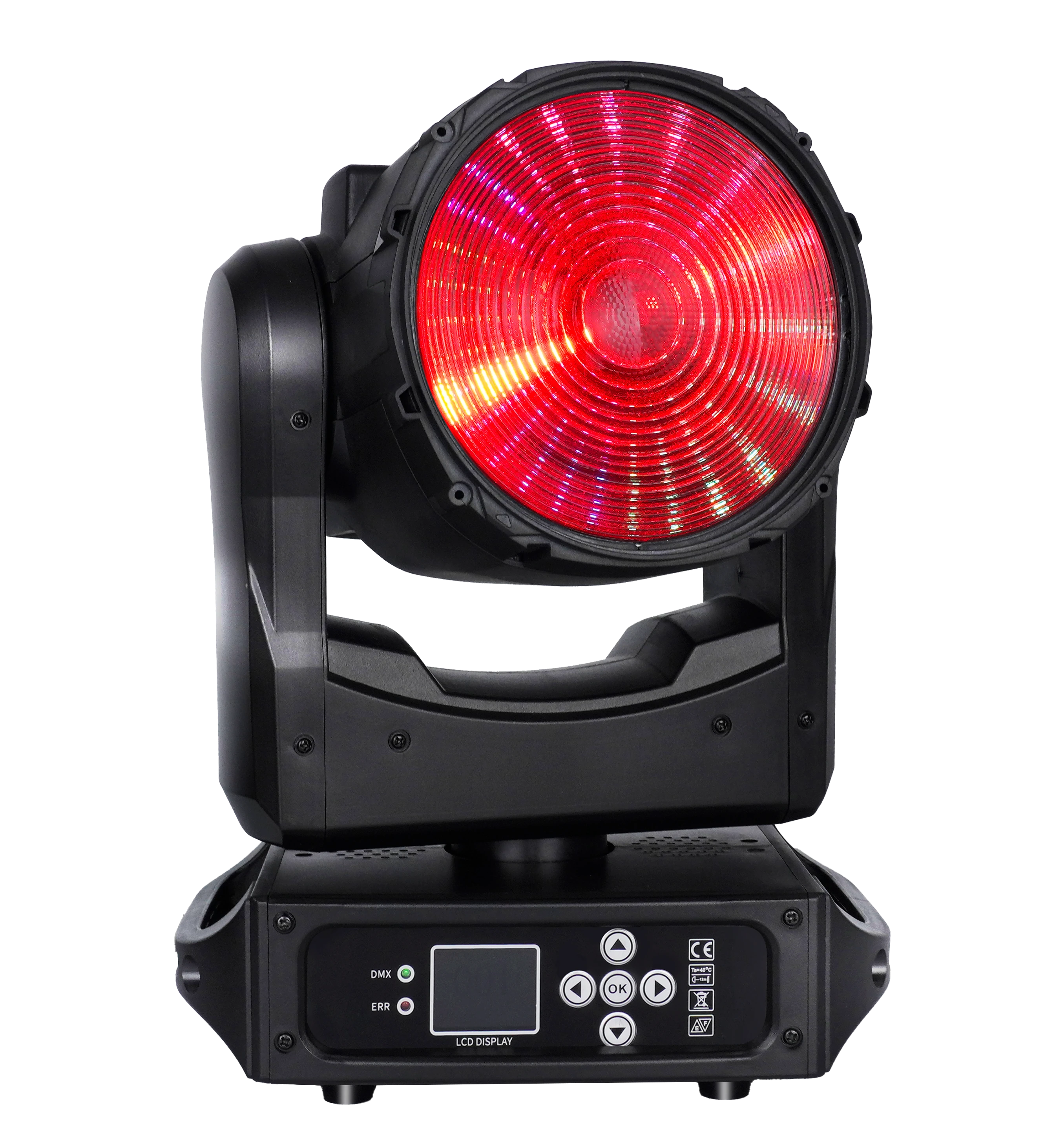
150W LED Wash ONE-effect Moving Head
A compact Zoom Wash platform for projects that need a focused motorized zoom range and an auxiliary RGB effect array.
- 1 × 150W RGBL main source
- 19°–27° motorized zoom
- Five DMX personalities
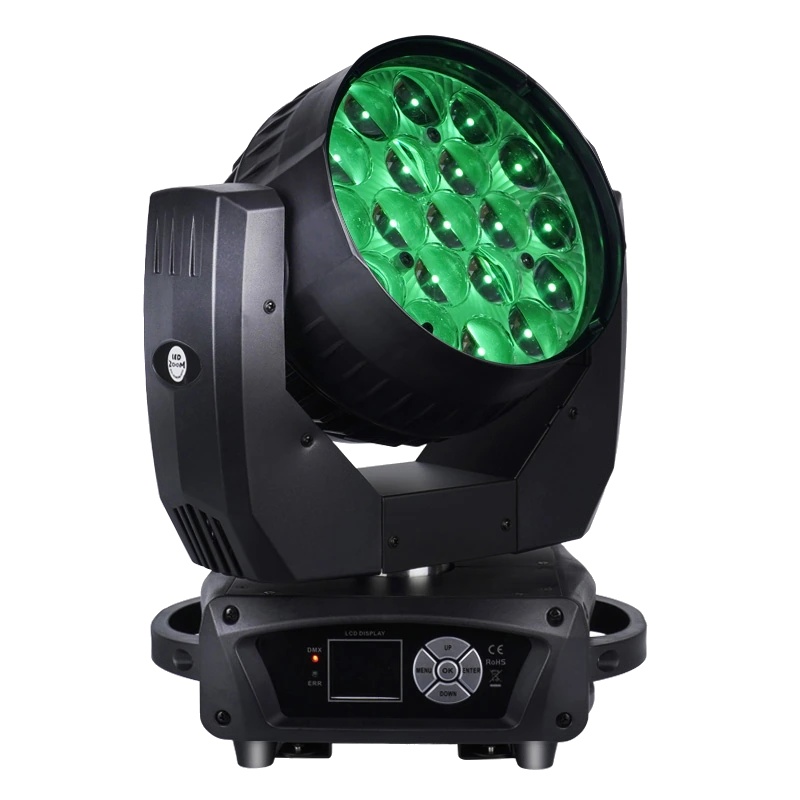
19×15W LED Wash Moving Head
A nineteen-cell RGBW Zoom Wash platform for comparing broad zoom coverage with compact whole-face or three-zone control.
- 19 × 15W RGBW
- 8°–63° motorized zoom
- 16CH / three-zone 24CH
FREQUENTLY ASKED QUESTIONS